Guide Notes
How to handwrite or draw in Notion
Notion has no drawing block: on an iPad, Scribble turns your handwriting into typed text, and a sketch has to be made in another app and added as an image or an embed. What each way gives you, and a notes app where the pen writes in the page.
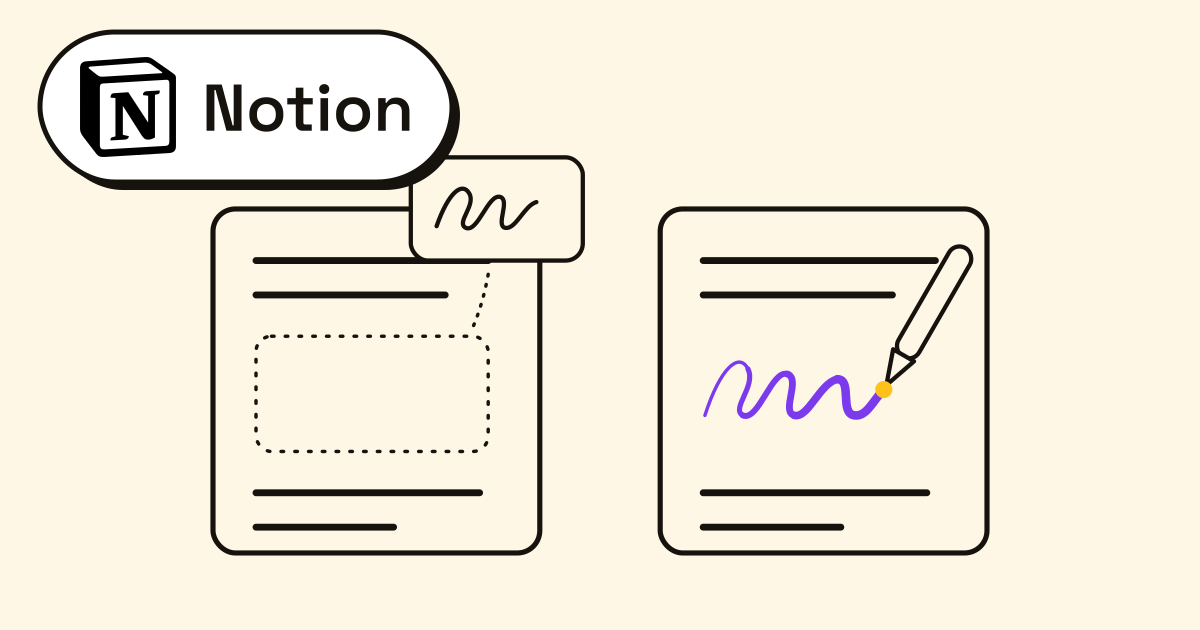
You're on an iPad taking notes in Notion, and you want to sketch the room you're in, or write a line by hand as you would on paper. You pick up the pencil and find there is nothing to draw on: a Notion page is made of blocks, and none of them is a drawing.
How to do it in Notion
There are three ways round it, from Notion's help center and release notes:
- Scribble on an iPad: with an Apple Pencil, write by hand in any text block, and iPadOS turns it into typed text. Notion's own note calls it "more of an Apple feature than a Notion feature". Your handwriting doesn't stay as ink, and you can't draw a shape.
- Draw elsewhere, then upload: make the sketch in another app, export it as an image or a PDF, and add it with an image block, or type
/embedand choose Upload. To change it, you redraw it there and upload it again. - Embed a whiteboard: type
/embedand paste the link of a board from an app on Notion's embed list, such as Excalidraw or Miro. You draw in that app, and the changes show up in Notion. Embeds that need a sign-in to the other site don't work in Notion's desktop and mobile apps.
Where Notion is strong is everything around the drawing: pages that mix text, databases and embeds from many other apps. A paid plan adds no drawing tool. What it changes is the size of what you upload: up to 5 MB a file on Free, up to 5 GB on Plus, at €9.50 per member a month billed yearly (€114 a year), as listed on its website in November 2026.
Another option
In Notes, part of Cronum Work, the pen writes in the note itself:
- The drawing button in the note's toolbar opens a full-screen sheet; Done puts the drawing in the note where you were writing.
- The Pen thins and thickens with the pressure of an Apple Pencil or another stylus; with a finger or a mouse, speed does it.
- On an iPad, rest your hand on the glass: once the pencil touches the sheet, only the pencil draws.
- Pen, Marker and Highlighter, each in three thicknesses and six colours; an Eraser and a Stroke eraser; zoom up to six times.
- Select the drawing and choose Edit drawing: every stroke is still there. It's also a picture, so it goes into exports and onto the note's public page.
- It's on the Free plan: a drawing counts as one of the 10 pictures and PDFs a note can hold there, within 50 MB of files. Pro (€35 a year) has no cap per note and 5 GB.
Handwriting stays handwriting: Notes doesn't turn it into text. More in drawing and handwriting in your notes, and side by side with Notion in the comparison table.
Open a note on your iPad, choose the drawing button and write the first line with the pencil.