Press kit
Cronum Work, by Cronum Studio
Everything you need to write about Cronum Work or show it in a video, without having to ask. Use it freely in articles, reviews and videos.
Download everything (.zip, 21 MB)
This page in five languages, 36 screenshots, the video in English, and the logos and icons.
Cronum Work in one page
What it is
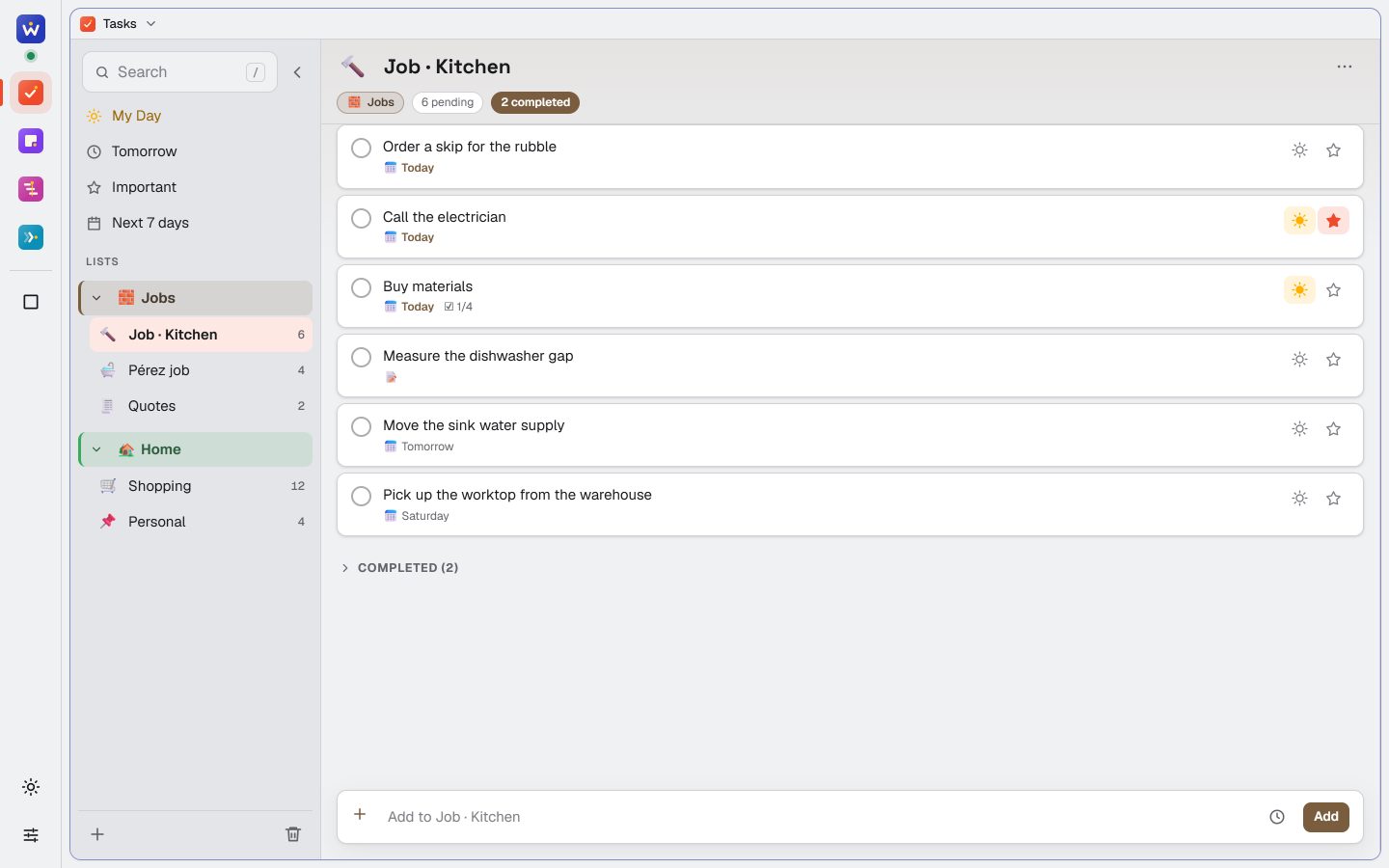
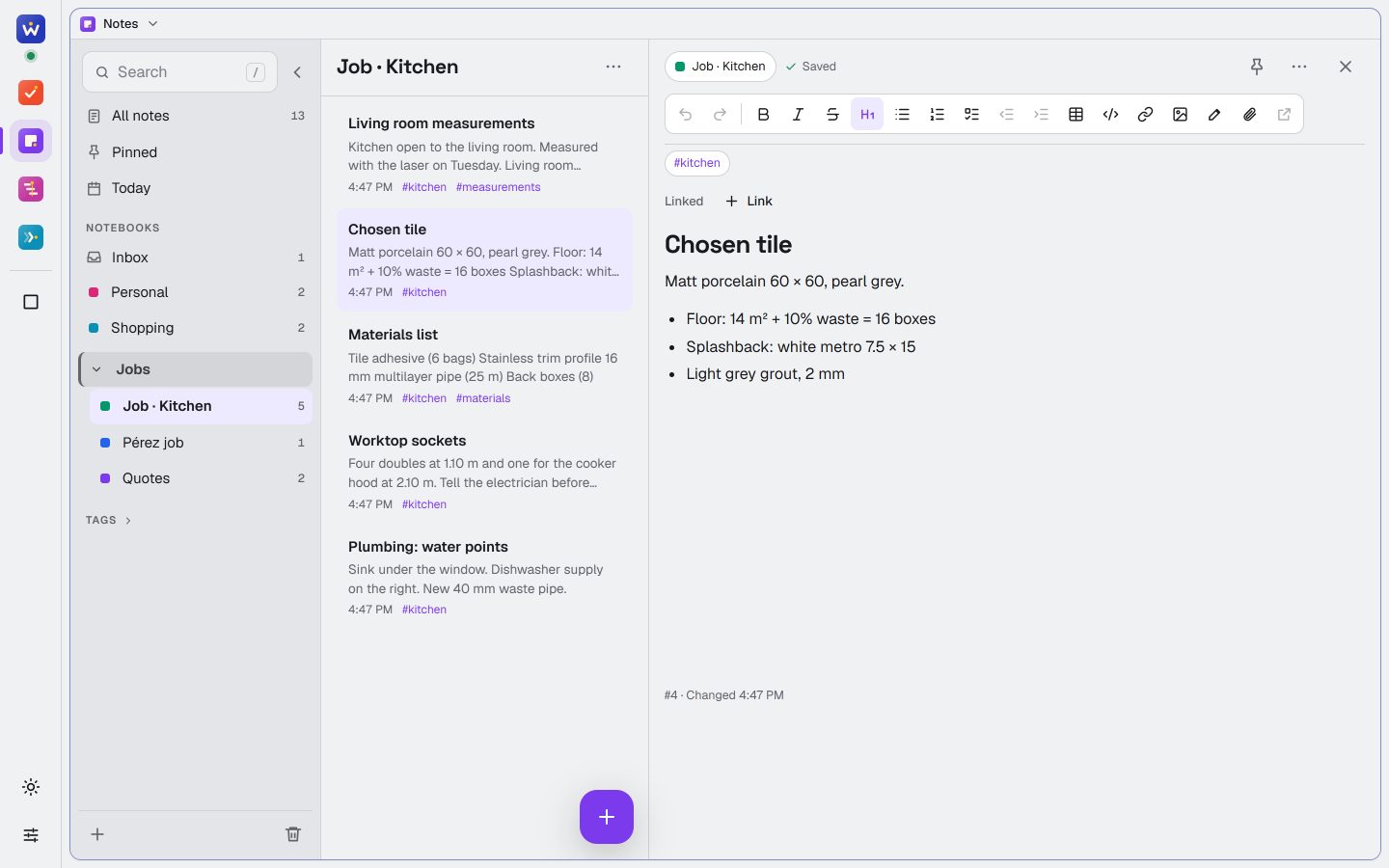
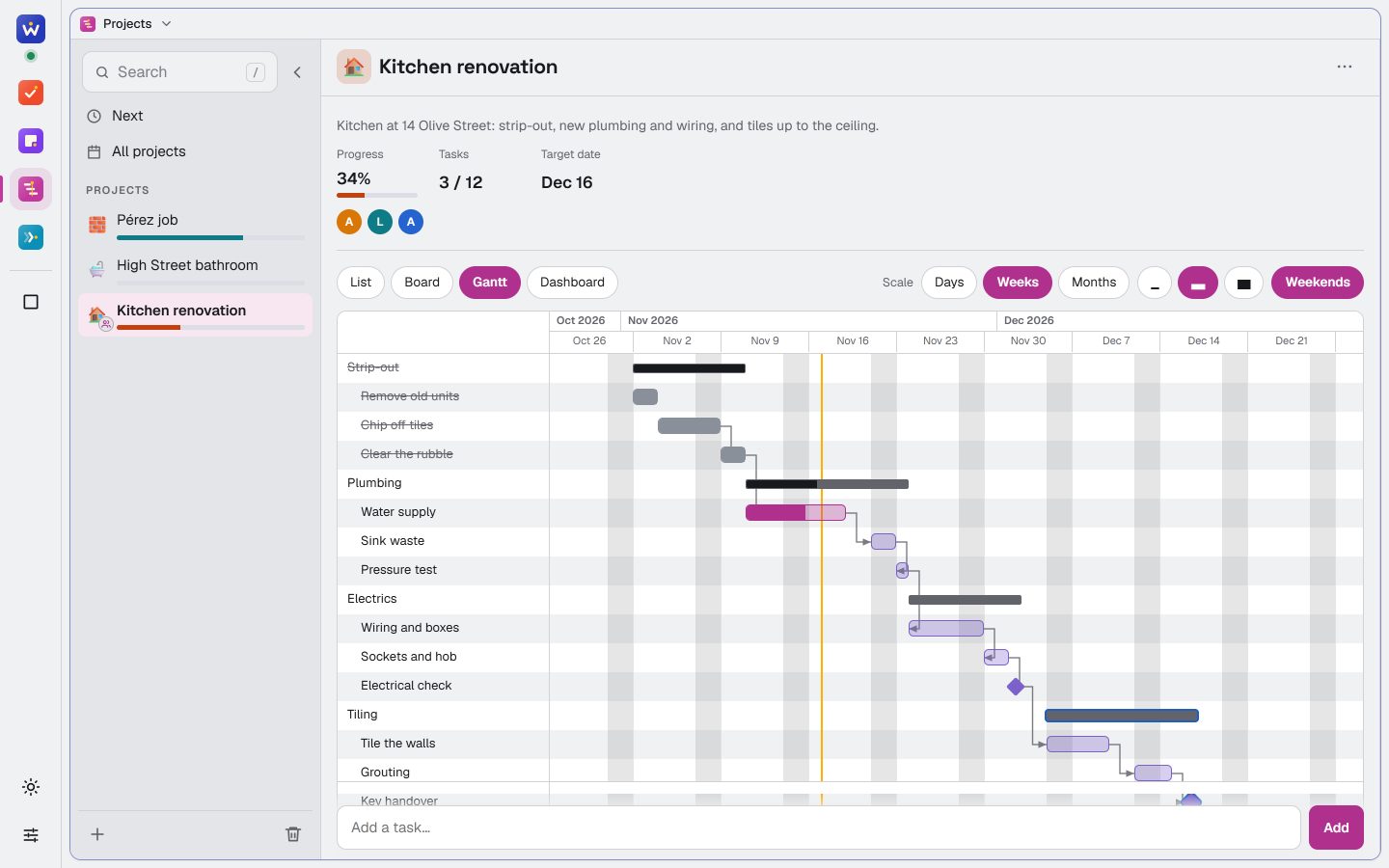
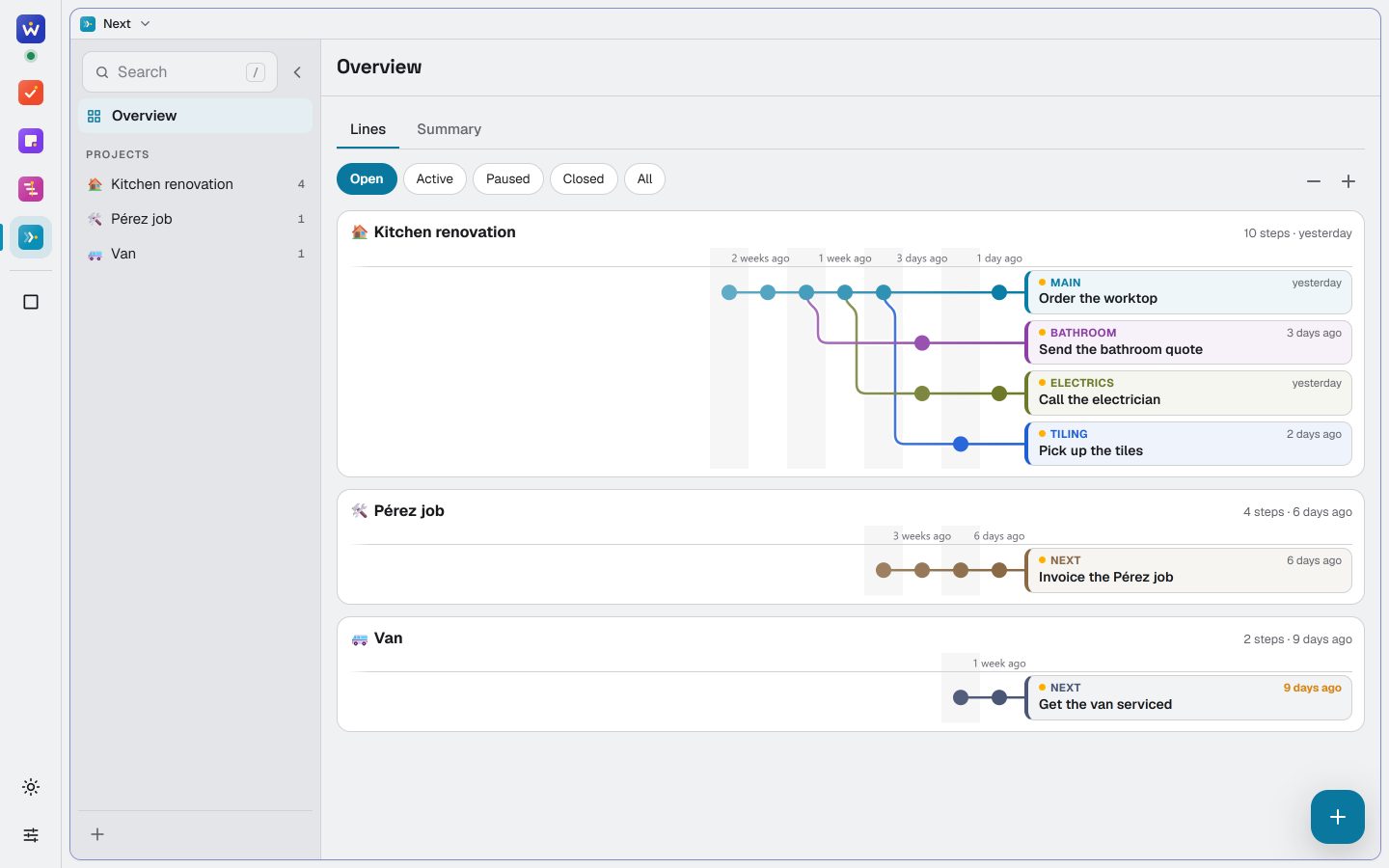
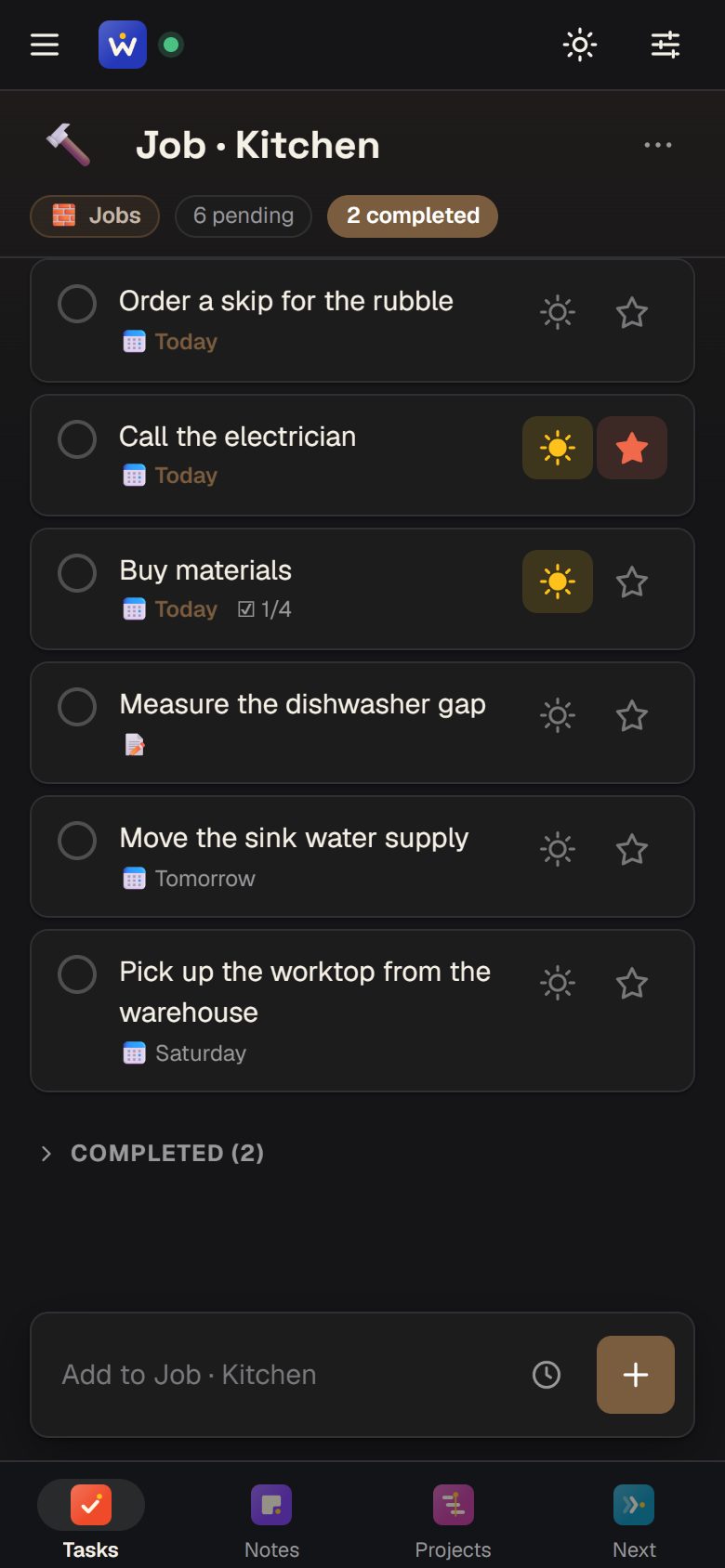
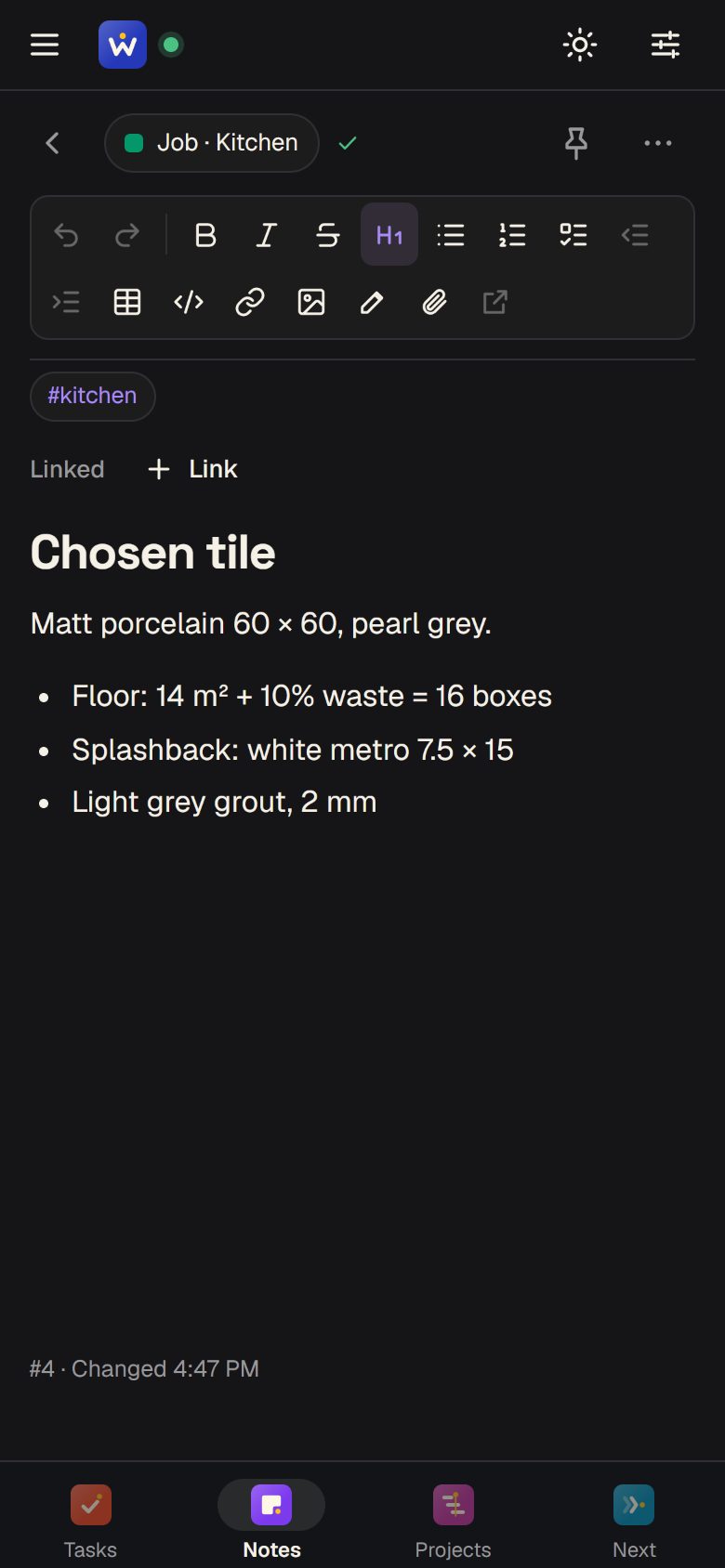
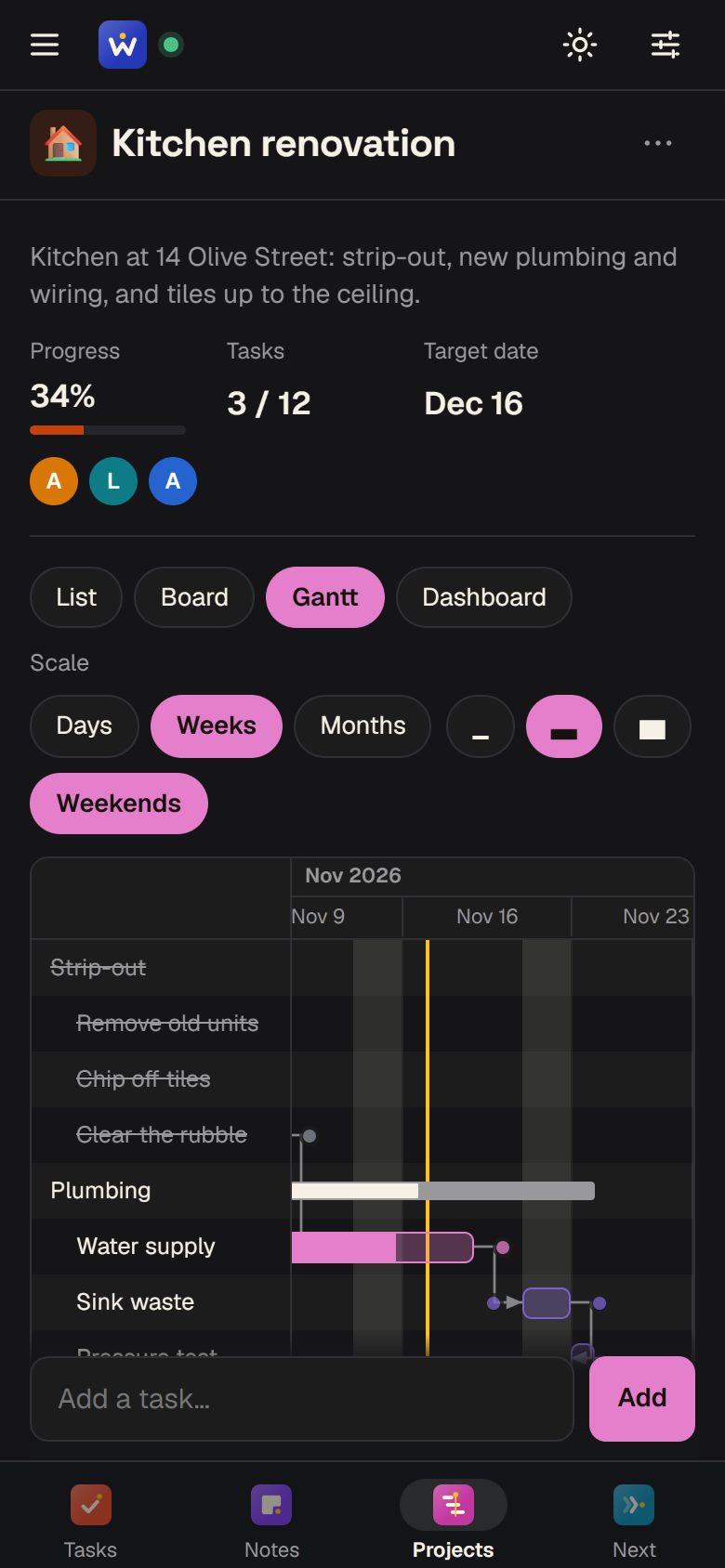
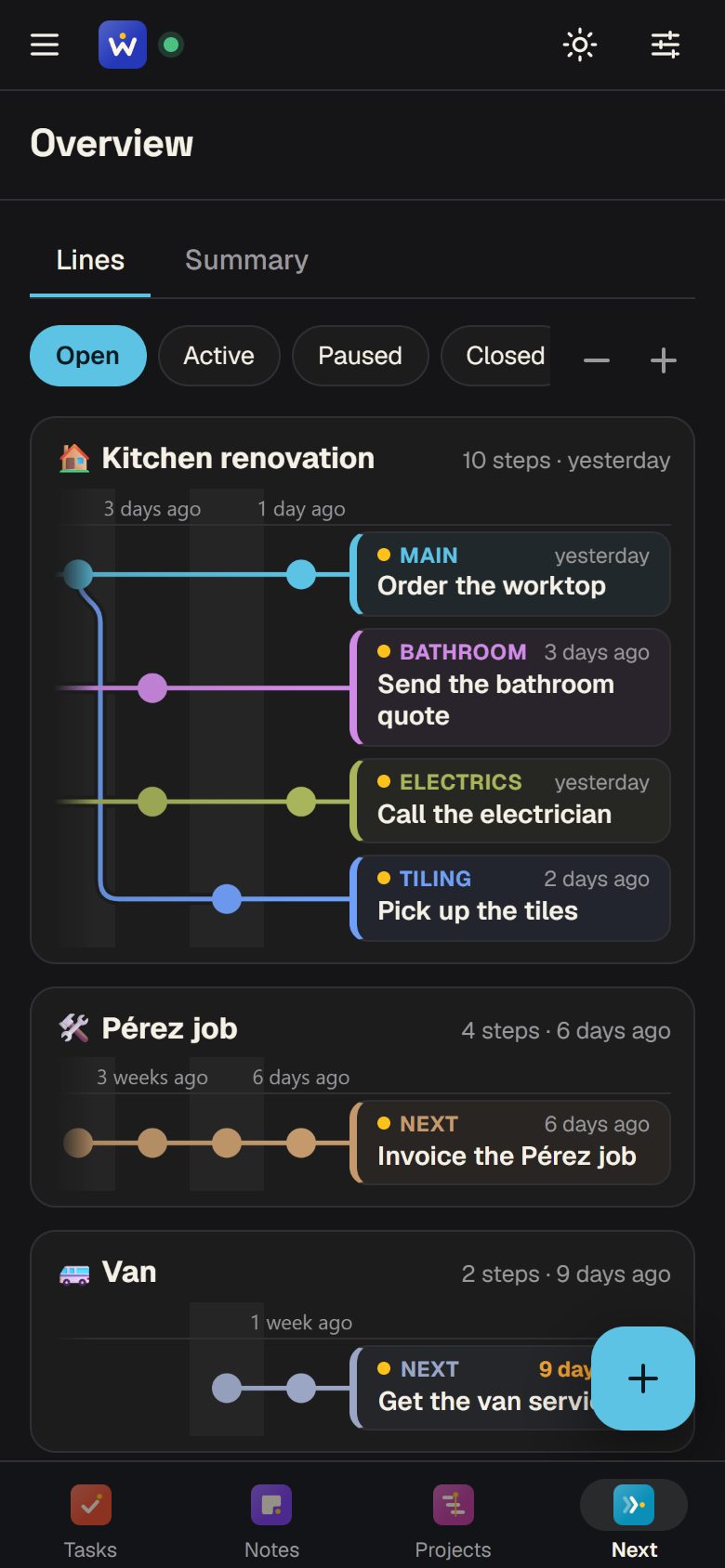
One app with four modules: Tasks for to-dos and lists you share, Notes for notebooks, Projects for plans with dates, dependencies and people, and Next for where each project is and its next step. Anything in one module can be linked to the others: a task to a project's step, a note to a task.
Who it's for
Solo professionals and small teams who run several projects at once, and anyone who already works with an AI assistant and wants to see and edit what it keeps.
How it works with AI
Cronum Work has one connector (MCP) for all four modules: https://work.cronumstudio.com/mcp. Connect it to Claude, ChatGPT or any assistant that takes connectors, then ask in your own words: “What's on today?”, “Add what we need for Sunday's paella”, “Where was I with the bakery website?”. The assistant reads and writes your real data, and every change shows in the app. Use more than one assistant? They all share the same memory.
Where it runs
On the web at work.cronumstudio.com, and installable on phones, tablets and computers. In English, Spanish, French, Italian and German.
Price
- Free: all four modules and the AI connector, with limits (20 lists, 10 notebooks, 10 active projects, 50 MB for files, 100 calls a week from your AI).
- Pro: €3.90 a month or €35 a year, VAT included. No caps on lists, notebooks or projects, 5 GB for files, 2,000 calls a week from your AI and every version of your notes.
Who makes it
Cronum Studio, an independent studio in A Coruña, Spain, run by Martin Andersen.
Video
About a minute of the real app, with sample data.
English (MP4, 1080p, 11 MB) · Spanish (MP4, 1080p, 11 MB)
Screenshots
The four modules on a computer and a phone, in light and dark, in English and Spanish, with sample data: a kitchen renovation. All 36 are in the .zip, in PNG.
Logos and icons
The Cronum Work logo for light and dark backgrounds, the app icon and the four modules' icons, in SVG and PNG. Please don't change their colours or proportions.





Try it with sample data
Write to hello@cronumstudio.com and we'll give you a Pro demo account with tasks, notes, a project and next steps already in it, ready to record. Or start free with an account of your own.
Contact
Interviews, questions or a quote: hello@cronumstudio.com. We answer within two working days.