NewsCronum Work
Everything works offline: changes wait on your device and send themselves
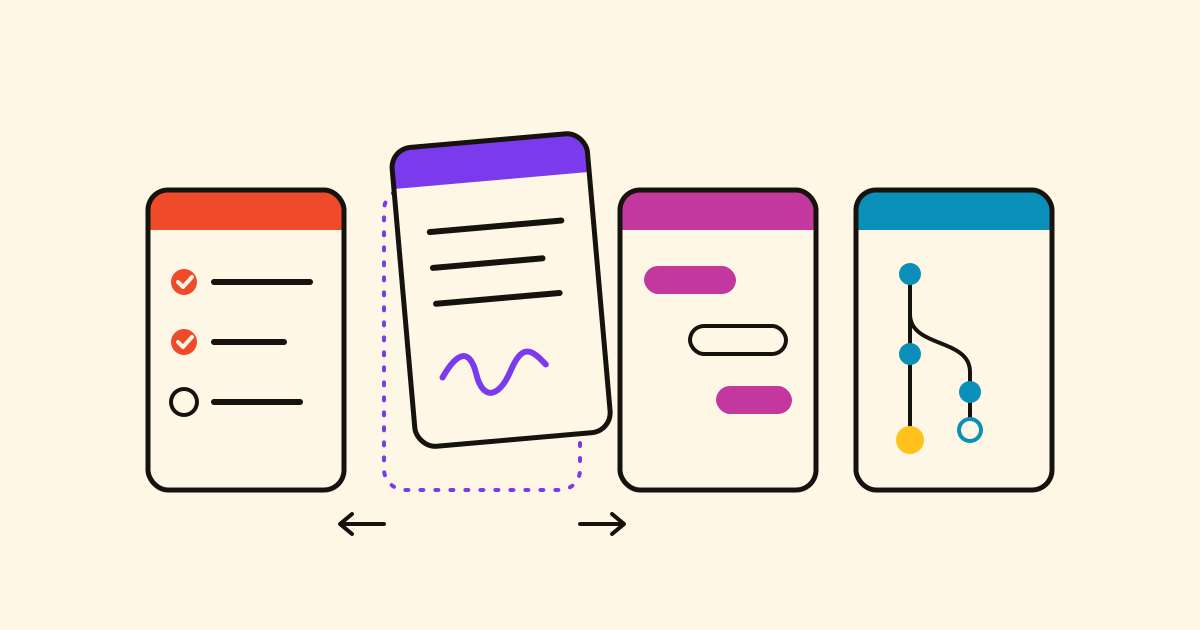
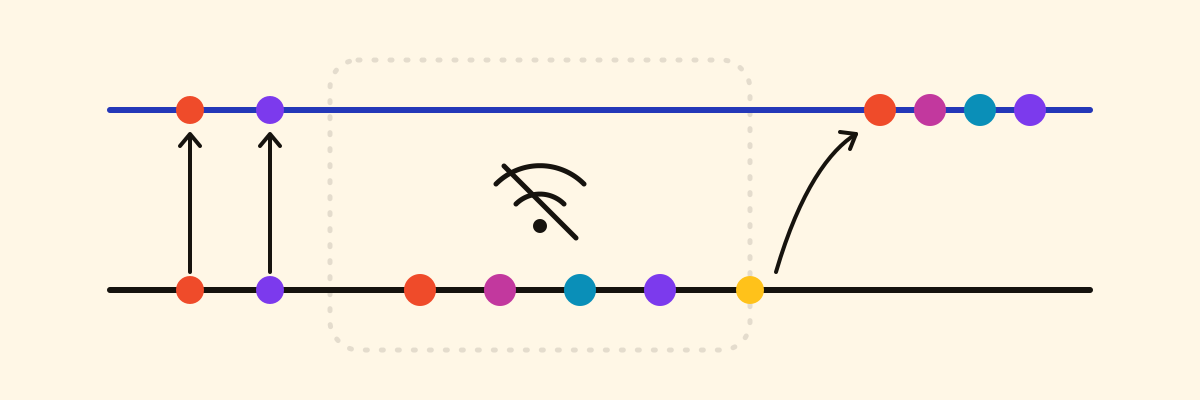
Tasks, Projects, Next and Notes keep working without a signal. What you change is kept on your device and sent by itself, in order and only once, when the signal is back.
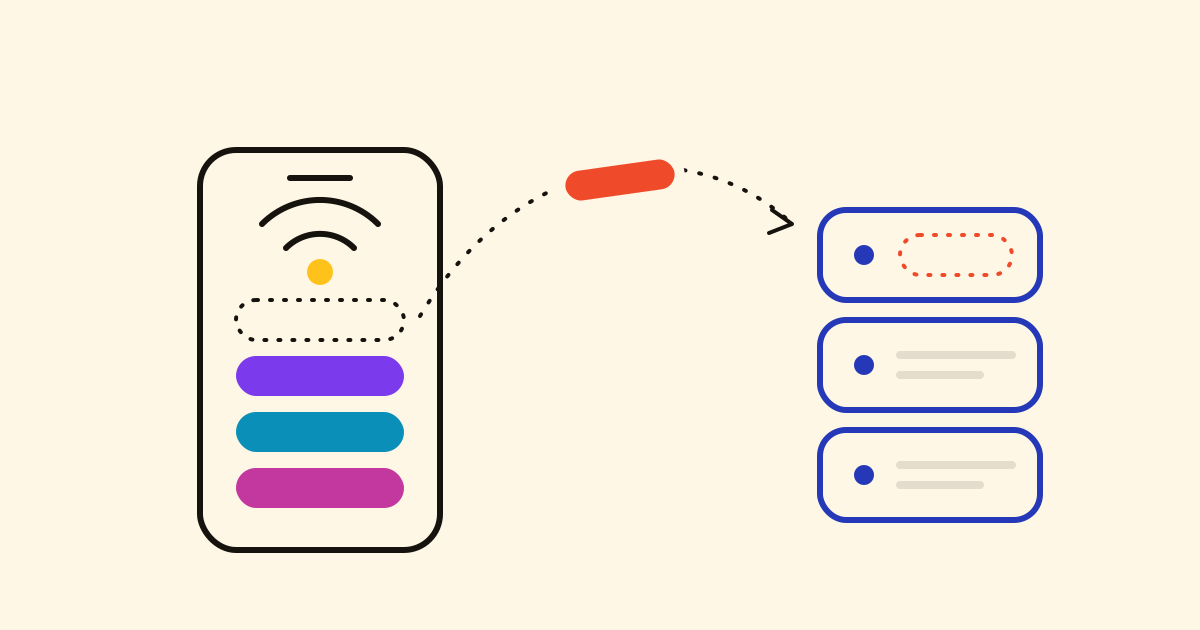
The shopping list in a basement supermarket, the plan on a plane, a step to log on the metro. In Cronum Work all four modules keep working without a signal: what you change waits on your device and is sent by itself when the signal is back.
What you can do without a signal
Each module shows what it last loaded on that device. While Work is open, it keeps all four copies up to date, also those not on screen.
- Tasks: add, tick off, edit and delete tasks, and tick or rename their steps. New lists, sharing and photos wait for the signal.
- Projects: create, change, move, link and delete projects and tasks. The team, rescheduling and the public page need a connection.
- Next: log, edit or delete steps; open, close or reopen branches; create, change or delete projects.
- Notes: write and create notes, and search the ones already on the device.
What you see
- A banner under the header says you are offline and counts the changes waiting. Log a step in Next and it says Saved on this device. It will be sent when there is signal.
- When the signal is back, the changes go up by themselves, in the order you made them. Each carries its own key, so one sent twice after a lost answer is made only once. Tasks then says 3 pending changes were uploaded.
If something changed meanwhile
- Notes never overwrites: if a note changed elsewhere first (another device, someone else or your AI), your text becomes a new note beside it, marked conflict copy and the time. Choose Open the copy to compare them.
- In Projects, if two people change the same thing, the last change wins.
- A change the server can no longer take (the task was deleted meanwhile) is dropped, and a notice says which one.
Opening it without a signal
- Install Cronum Work from Settings › Modules › Install on your device and it opens from its icon with no signal, with every module.
- Sign out with changes still waiting and Work asks first (Sign out anyway). Without a signal it doesn't sign you out, so nothing is lost.