NewsCronum Work
A daily summary: what's on for today each morning, and what you did each evening
Cronum Work now sends two notices a day. In the morning, what you have for today in Tasks and Projects, with everything still pending from before; in the evening, what you finished, logged and wrote. Each one opens its page in Work.
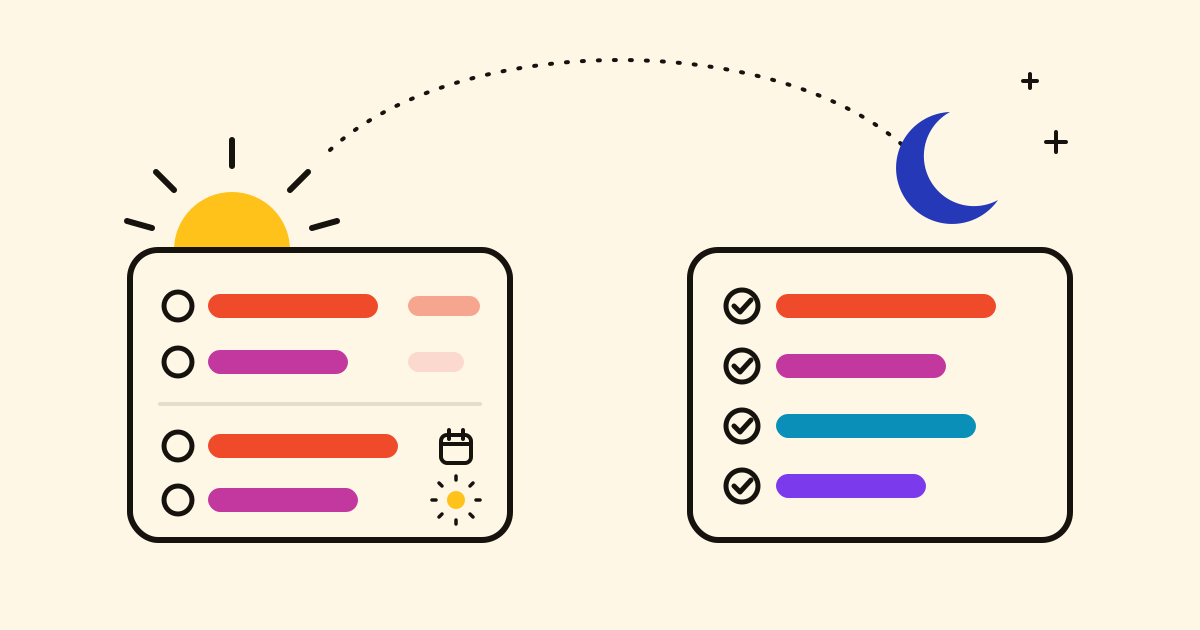
What's on today, and what's still hanging from last week? And at the end of the day, what did you actually get done? Cronum Work now tells you both, with a notice in the morning and another in the evening.
In the morning: For today
The notice says Here's what you have to do today. Tap it and For today opens:
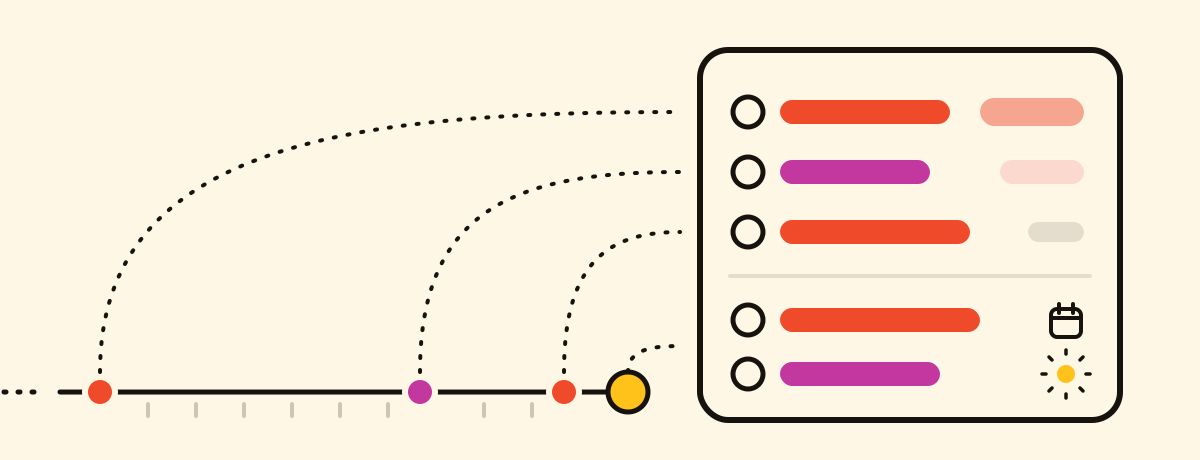
- Carried over: every open thing whose date has passed, however old, each one saying how late it is.
- Today: what's dated today, and what you planned in My Day.
All of it from Tasks and Projects.
In the evening: Done today
The notice says What you did today. Tap it and Done today opens with a line that counts it up, such as 7 tasks, 2 steps in Next and 1 note. Below it: what you finished in Tasks and Projects, the steps you logged in Next and the notes you wrote in Notes, each at its time.
How it works
- Each row opens its thing in its module. The page itself opens in a window of its own in Work, like the calendar.
- Both notices are on from the start: the morning one at 08:00, the evening one at 19:00. In Settings › Daily summary each has its own time, and each can be switched off.
- On a day with nothing to say, no notice is sent.
- Inside Work it replaces the 08:00 summary of deadlines that Projects used to send, so you get one notice instead of two.
To line up My Day the evening before, see Plan your day with My Day, Tomorrow and Important.