Guide Next
Do ChatGPT and Claude remember where each of your projects stands?
Both remember you, and both have projects. Neither shows every project with its next step, and each keeps its own memory. What each one does, and another way to keep the thread.
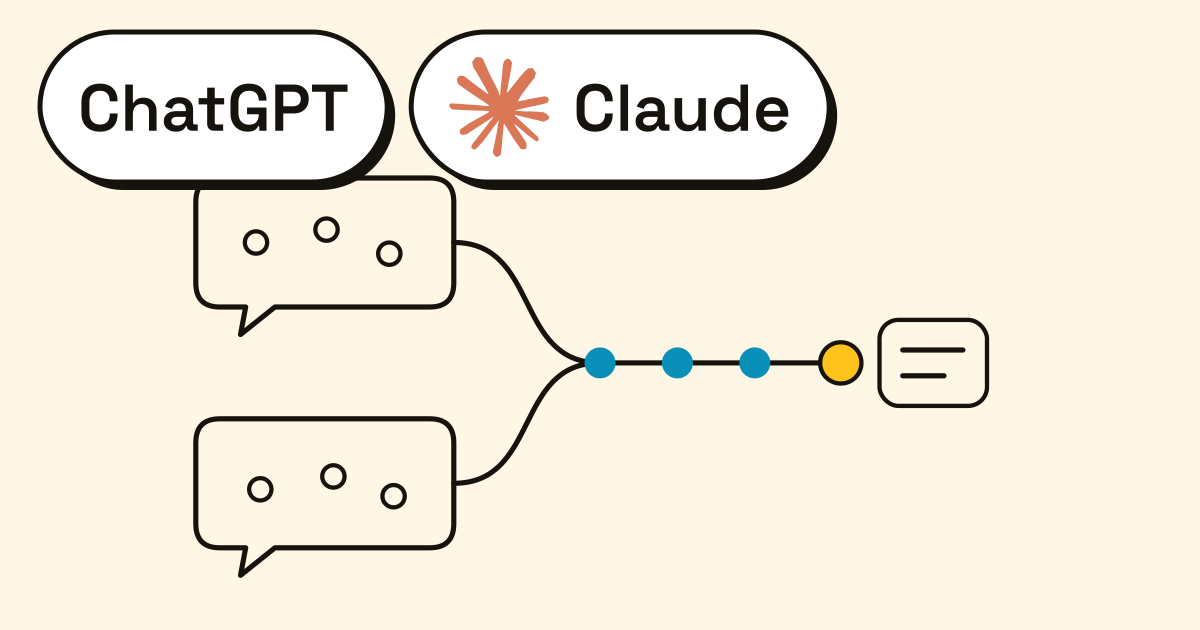
You work on the website with Claude on Monday and on the newsletter with ChatGPT on Thursday. A week later, "where was I?" has two answers in two places, and neither is a list of everything you have going.
What ChatGPT and Claude remember
ChatGPT
- Memory (Settings › Personalization › Memory) uses saved memories and, where you turn it on, your past chats. A memory summary shows what it may use, and you can correct it.
- Projects keep chats, files and instructions together, and the project's chats use them as context.
- Memory is "Limited" on Free and "Expanded" on Plus, $20 a month (Plus is billed monthly only).
Claude
- Memory is on by default on every plan, Free included. It saves topics as you chat; you read and edit them in Settings › Your Claude, under Your memory.
- Each project has its own memory, beside your account's. Free accounts can make up to five projects; Pro is $200 a year, billed up front.
- Claude can import memories from another assistant: you paste in what the other one lists when asked. Anthropic calls it experimental.
Both are good at what memory is for: your preferences, your context, a project's files. What neither shows is every project with where it stands and what comes next. Both list your projects by name; to know where one stands, you open a chat and ask, and OpenAI notes that memory "does not retain every detail". Claude's new version of projects, in beta for some Pro, Max and Ultra users, starting with Claude Code, tells you what's done and what's waiting on you, one project at a time.
The memory stays with each assistant, too: an import is a copy made once, and from then on each keeps its own. Plans and prices as listed on their websites in November 2026.
Another option
Next, in Cronum Work, keeps each project's log outside any one assistant:
- One board: each project is a line, a dot per step, and a card with the next step at its end.
- What's stuck shows: a path waiting a week turns amber, after three weeks red; a project untouched for two weeks fades.
- Any AI: Claude, ChatGPT or a coding agent, connected by MCP, read the same log and add to it. What Claude logged on Monday, ChatGPT picks up on Thursday.
- Who's on it: an agent that takes a step marks it ("Codex on it"), so another doesn't start it too.
- Branches: a blocked step keeps its place while you go on along a branch.
- Free plan: 10 active projects and 100 calls a week from your AI. Pro (€35 a year) has no project limit.
How it compares, row by row: the comparison table.
What's the next step on each of my projects?
Connect your assistant, then ask it to log in Next where you left today's project.