News Tasks
Bring your Microsoft To Do lists to Tasks in two minutes
Tasks now reads your Microsoft To Do and brings it over in one go: lists, tasks (completed ones too), steps, repeats, reminders, notes, stars, photos and PDFs. No file to export, and bringing it again only adds what's new.
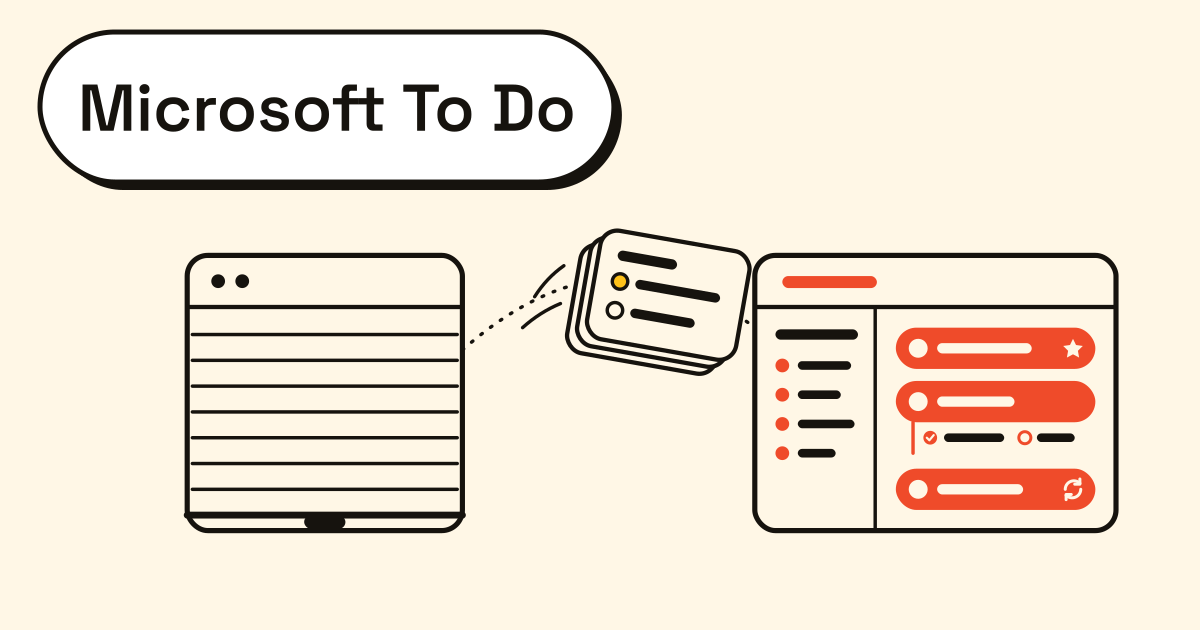
Microsoft retires the To Do apps on 30 June 2027, and a personal account gets no Microsoft app to move to (what changes). Tasks can now bring all of it over, with no file in between.
How
- In Tasks, open Settings › Bring from other apps and press Bring from To Do.
- Press Connect to Microsoft and sign in. Tasks asks only to read your tasks, never to change them.
- See what was found, list by list, untick any you'd rather leave, and press Bring to Tasks.
Your lists arrive in a new group, Microsoft To Do, after your own.
What comes over
- Your lists with their emoji, and every task, completed ones too, with their dates.
- Steps, as subtasks, done or not; repeats; due dates and reminders; notes; the star of the important ones; attached photos and PDFs.
- Photos and PDFs, with a personal account: Microsoft lets them be read only with a wider permission, so the page asks for it when you press Bring the attachments too. Tasks still only reads.
- What Tasks can't hold as it is goes into the task's notes, in your language: a status like "waiting on others", categories, a repeat like "the second Tuesday of every month".
- What doesn't come: list groups (Microsoft doesn't let other apps read them, so the lists arrive together), My Day, who a list was shared with, flagged emails and attachments that aren't photos or PDFs. The page lists it before anything comes in.
Good to know
- Your browser reads To Do directly: your Microsoft sign-in never goes through our servers.
- Still using To Do for a while? Bring it again whenever you like: only what's new comes in, and nothing arrives twice.
- It's on the Free plan, with room for 20 lists of your own and 50 MB for files; if your To Do doesn't fit, the page says so first. Pro, €35 a year, has no cap.
- With a work or school account, your organization may have to approve Cronum Work first.
The whole move, step by step, with the questions people ask: a Microsoft To Do alternative.