News Projects
Kanban boards in Cronum Work: drag tasks across columns and limit work in progress
Projects now has a Board view. Each task is a card in To do, In progress, Waiting or Done; you move it by dragging, and each column can have a work-in-progress limit. How it works, and three habits that make a Kanban board work.
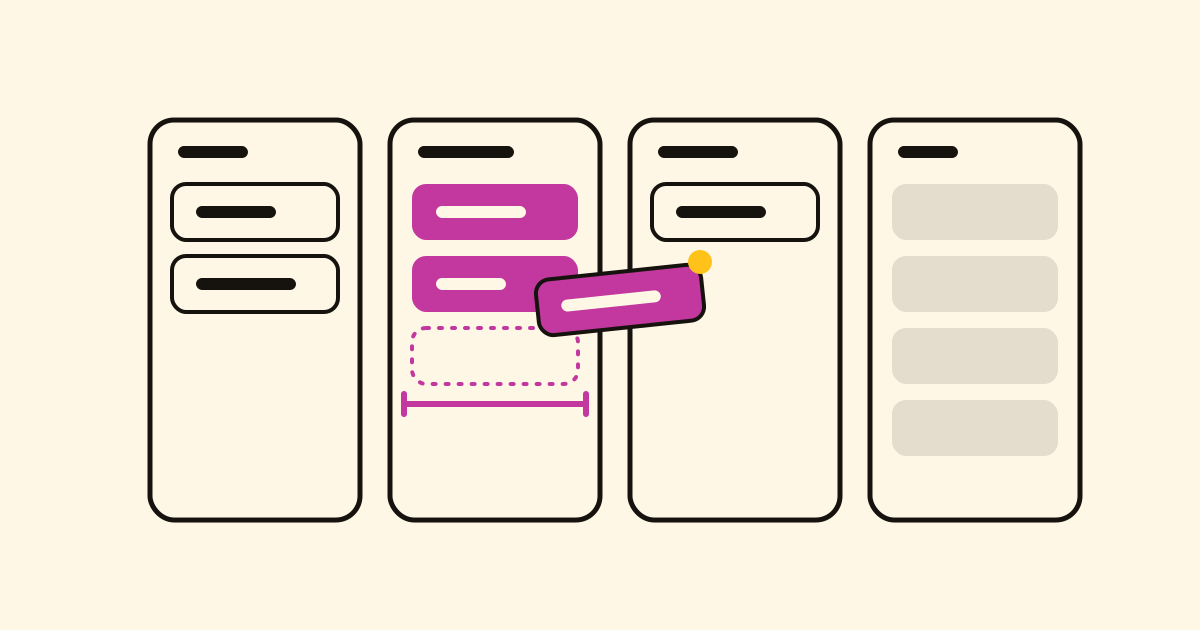
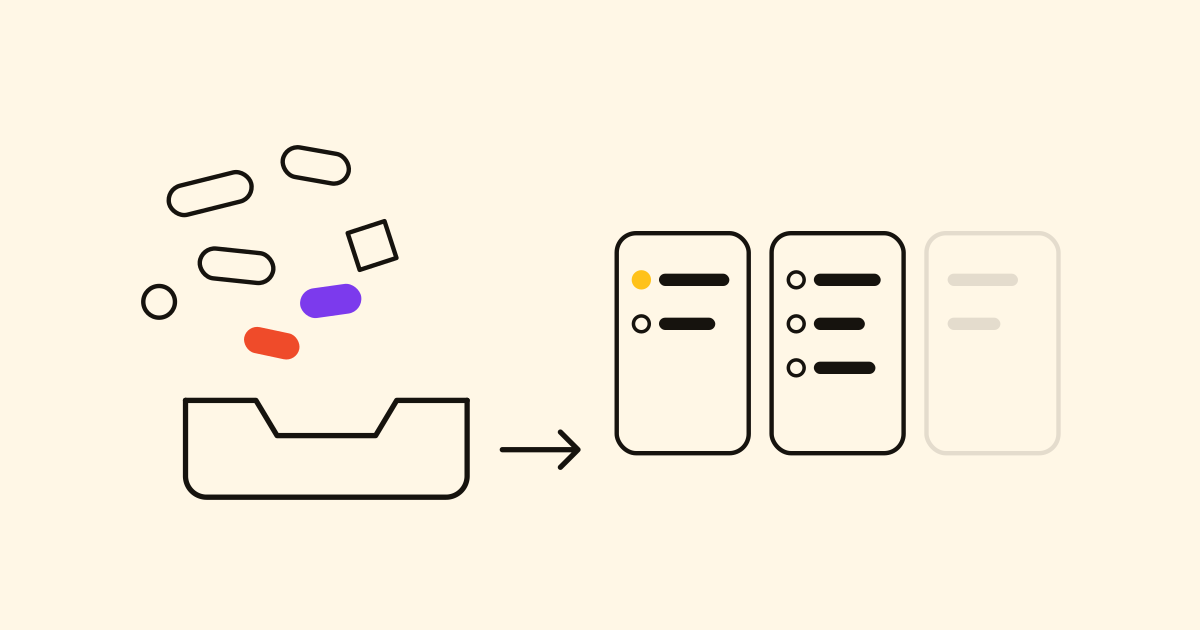
A list tells you what's left; a board tells you where each thing is. In Projects, every project now has a Board view next to List, Gantt and Dashboard: its tasks as cards in four columns, To do, In progress, Waiting and Done.
How it works
- The columns are the task's status, the same one the list and the Gantt show. Drag a card to another column and its status changes; drop it on Done and the task is complete.
- The cards are the tasks, each with the name of its phase. Phases aren't cards: they finish when their tasks do.
- Done shows the latest finished first, ten at a time, with a button to see them all.
- On a phone or in a narrow window, you see one column at a time, with four buttons at the top that show how many cards each holds. Drop a card on a button to move it there.
- It's on every plan, Free included.
A limit for work in progress
Kanban's main rule is to finish before you start. Whoever manages the project can give every column except Done a limit, from 1 to 99, with the button in the column's header. The count reads 3/3, and with one too many it turns red: "Over its limit: 4 of 3. Finish one before starting another." It warns; it doesn't block.
Three habits that make a board work
- Keep In progress small: one or two tasks per person. With three people, start with a limit of 4.
- Waiting means someone else has the ball: a reply, a delivery, a signature. Give that column a limit too, so what's in it gets chased.
- Pull, don't push: when you finish a card, take the next one from To do before you add anything new to In progress.
With your AI
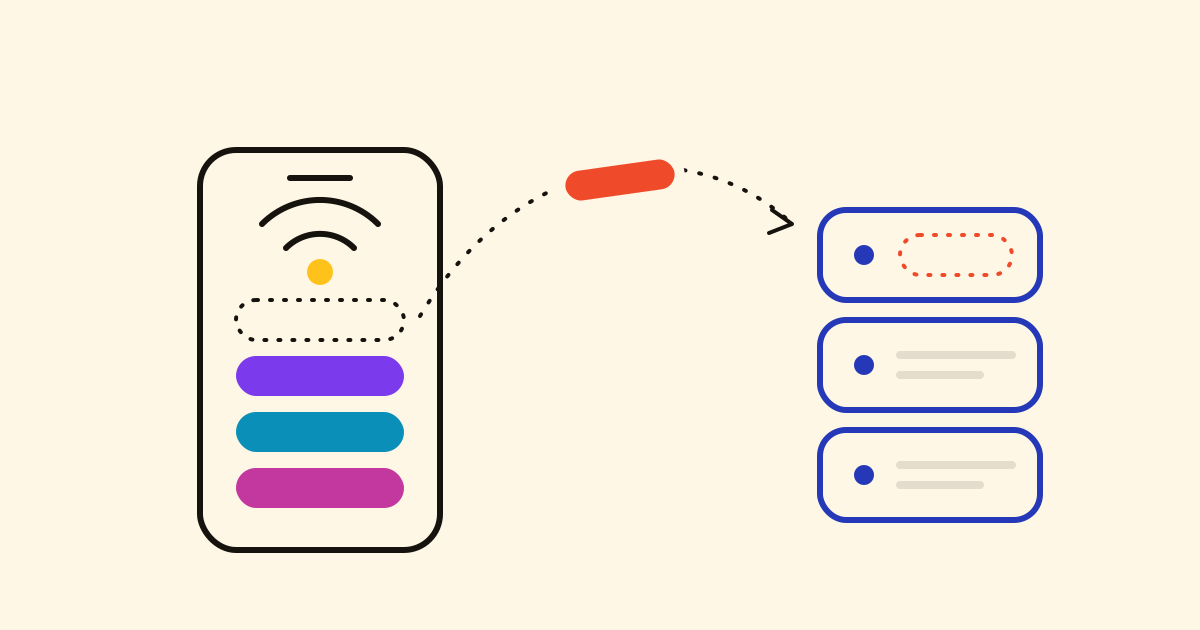
The board is the tasks' status, so your connected AI assistant moves cards too:
In the Harbour & Co project, move "Send the quote" to Waiting.
Open a project and choose Board.