News Notes
Draw and handwrite in your notes, with a finger, a mouse or a stylus
Notes opens a full-screen sheet for sketches and handwriting, with a pen that thins and thickens with pressure. The drawing goes into the note between your paragraphs, and every stroke stays editable.
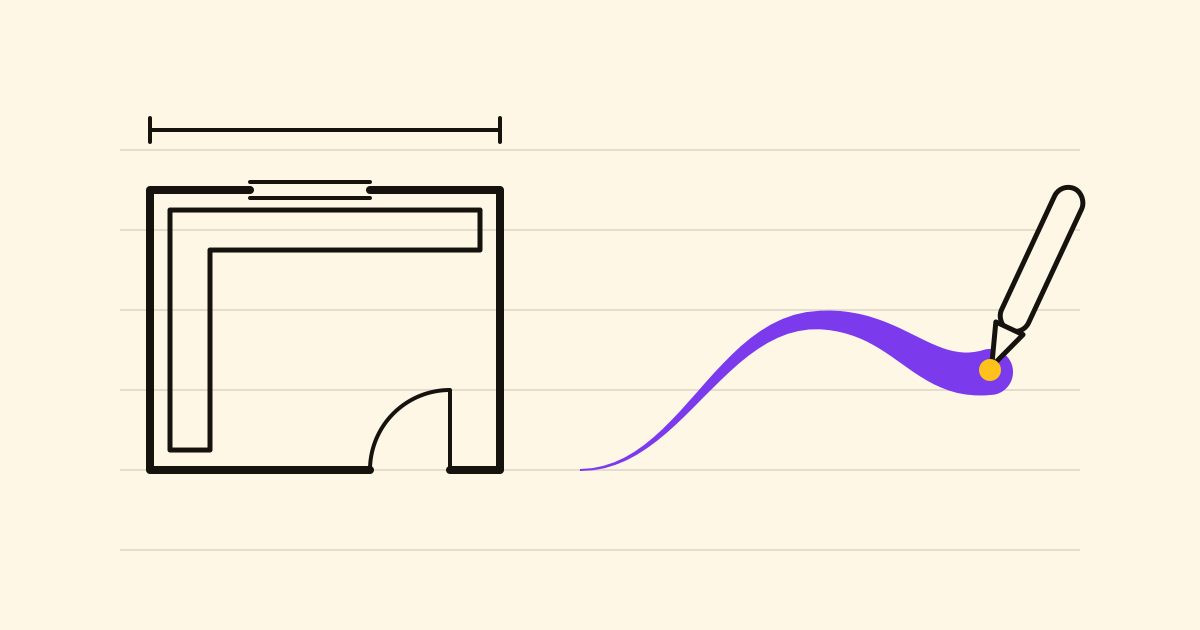
Some things are quicker to draw than to type: a kitchen's shape, an arrow between two boxes. Until now that meant a photo of a scrap of paper you couldn't change. In Notes, the drawing button in the note's toolbar now opens a full-screen sheet; choose Done and the drawing goes into the note where you were writing.
Drawing
- A finger on a phone, the mouse on a computer, or a stylus such as an Apple Pencil on an iPad.
- Pen for handwriting, Marker for shapes and arrows, Highlighter (wide and see-through) to mark over what's drawn. Each Fine, Medium or Thick, in black, blue, green, yellow, red or violet.
- Press lightly or move fast and the pen's line thins; slow down and press and it fills out. With a mouse or a finger, speed does the job.
- On an iPad, rest your hand on the glass: once the pencil touches the sheet, only the pencil draws. One finger moves the page, two zoom it.
Erasing and zooming
The Eraser removes only what it touches; tap it again for the Stroke eraser, which takes a whole stroke in one touch. Undo and Redo cover the rest.
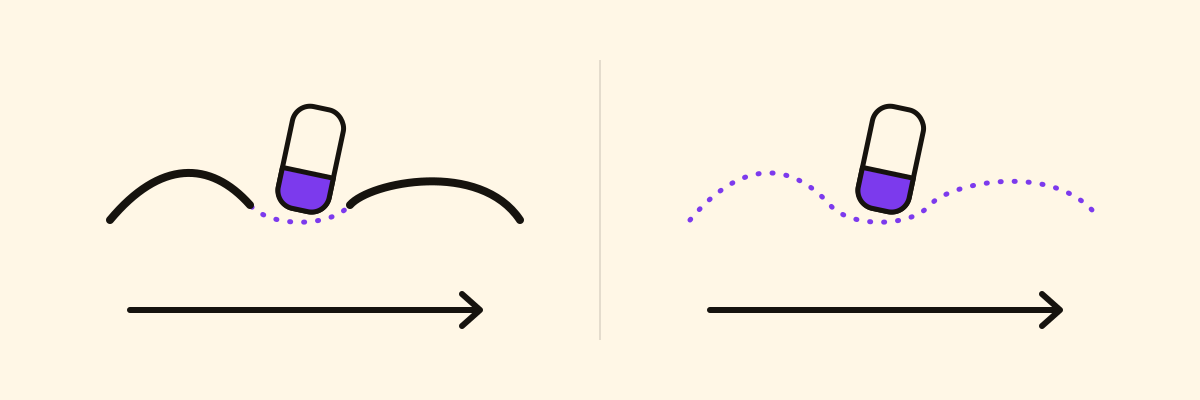
Zoom up to six times with two fingers, a trackpad pinch, or Ctrl and the mouse wheel; lines stay sharp because they're kept as strokes, not pixels. Ctrl+0, or the zoom shown at the top of the sheet, goes back to the whole page.
Editing it later
Select the drawing and choose Edit drawing: every stroke is still there. It's also a picture, so it goes wherever the note goes: phone, computer, exports, and the note's public page if you turn one on.
Three uses
- A kitchen: walls in marker, measurements in pen, the shop's quote as text below. Link the note to the refit in Projects and they sit together.
- A meeting: draw the process in the minutes, next to its decisions, instead of photographing the whiteboard. See meeting notes your AI can find.
- A site visit: on the architect's PDF attached to the note, highlighter over the wall that comes down, red for the new sockets.
Open a note, choose the drawing button and try the pen with a light hand, then a firm one.