Blog
Guides and news to get more out of Cronum Work, with your AI agent or on your own.
-
 News
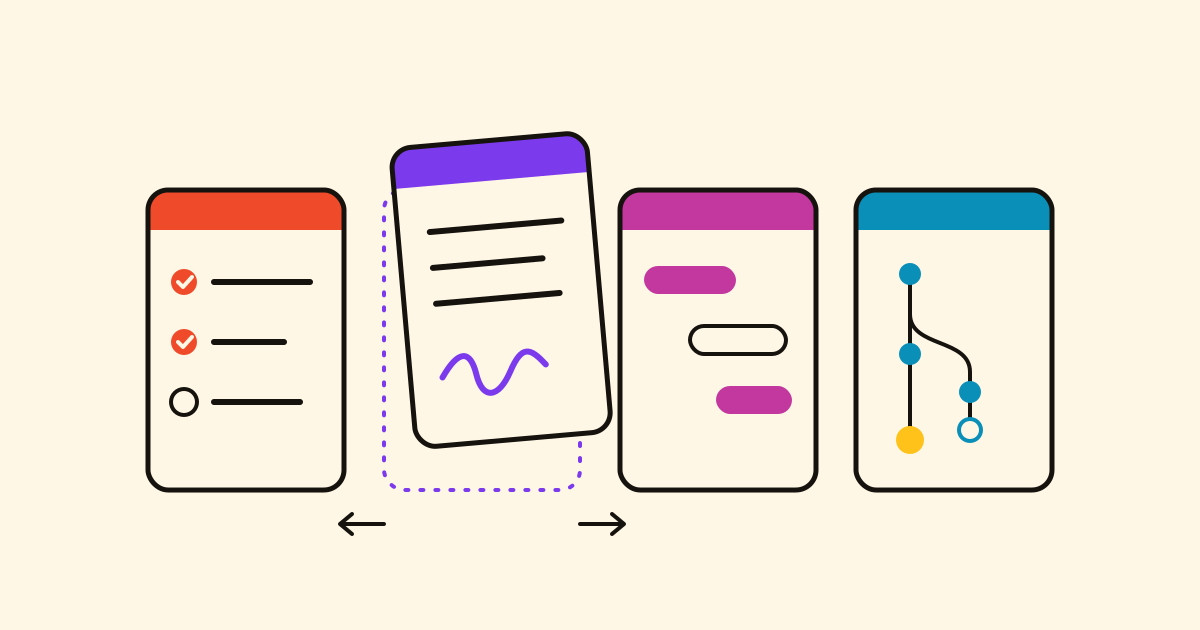
Cronum Work: Tasks, Projects, Next and Notes, now in one app
Tasks, Projects, Next and Notes are now one app: up to four windows side by side, with one account, one sign-in, one Settings and one connector for your AI.
-
 News
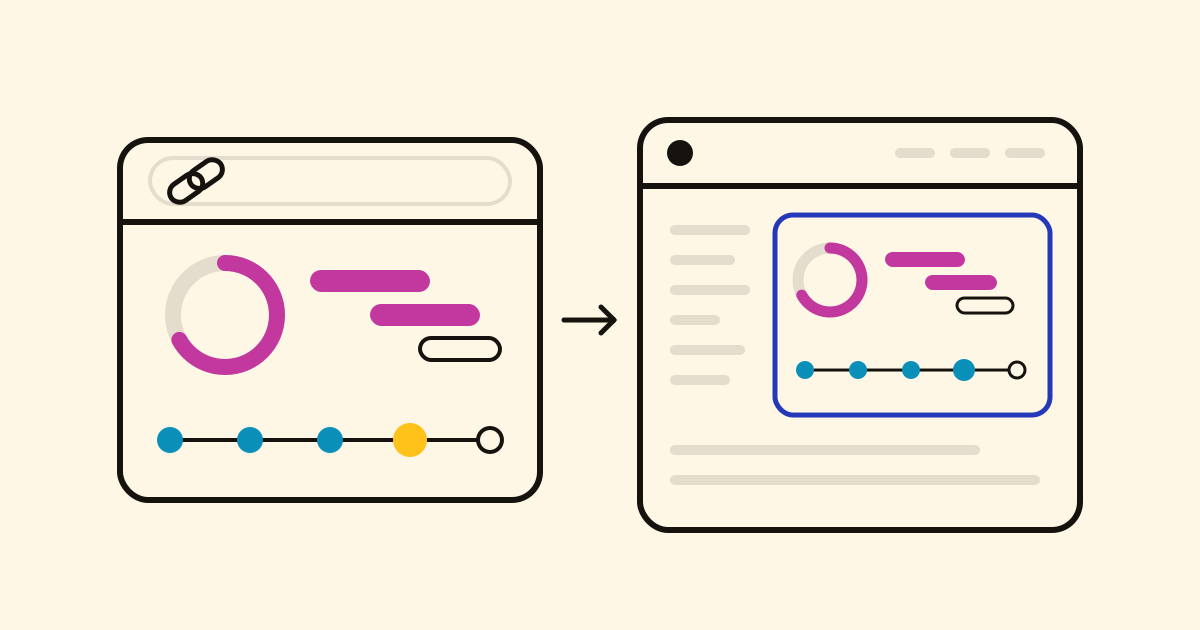
Show a project's progress on a public page, or on your own website
Give any project in Projects or Next a public page that anyone opens with a link, without an account. On Pro, embed it on your own website, where it moves when the project does.
-
 Guide
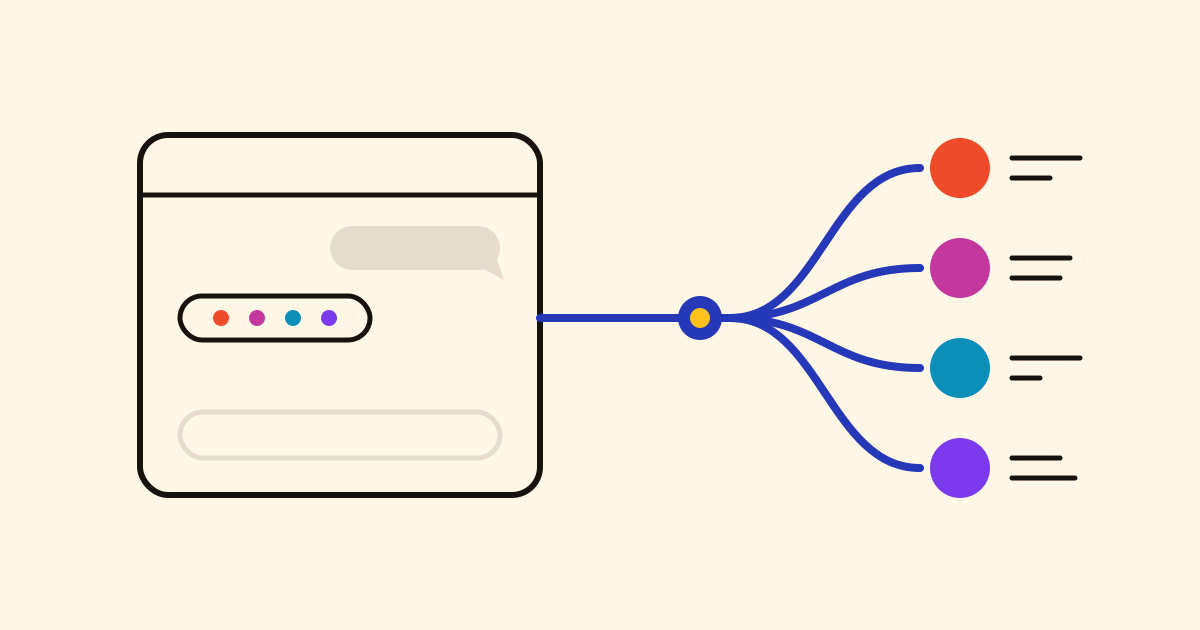
How to connect Claude, ChatGPT or Gemini to your tasks, plans and notes
One connector lets Claude, ChatGPT, Gemini or a coding agent read and change your real tasks, plans and notes in Cronum Work. The steps for each assistant.
-
 News
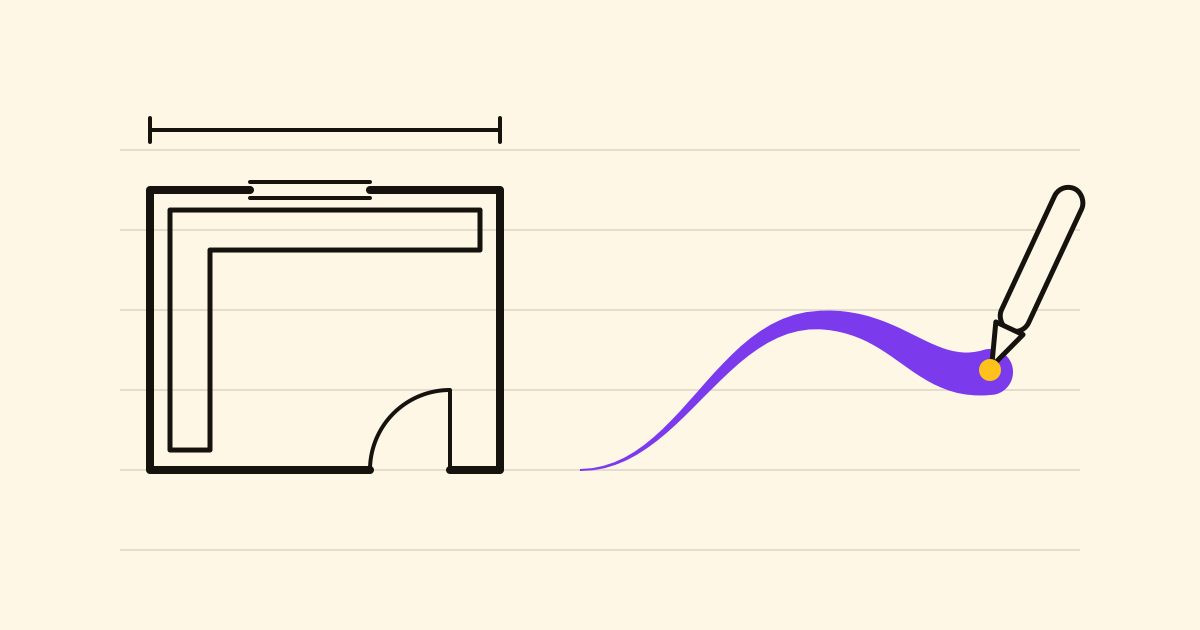
Draw and handwrite in your notes, with a finger, a mouse or a stylus
Notes opens a full-screen sheet for sketches and handwriting, with a pen that thins and thickens with pressure. The drawing goes into the note between your paragraphs, and every stroke stays editable.
-
 News
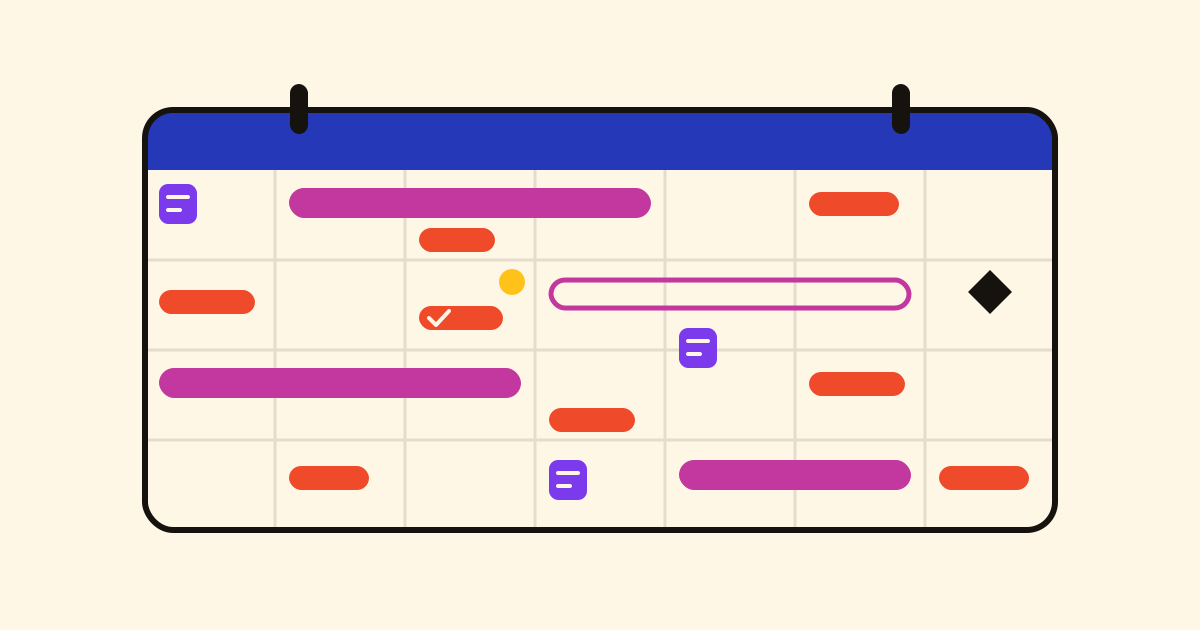
One calendar for everything with a date: tasks, projects and daily notes
Cronum Work's Calendar shows the due dates from Tasks, the projects, phases and milestones from Projects and the daily notes from Notes on one page, and you can tick things off there.
-
 News
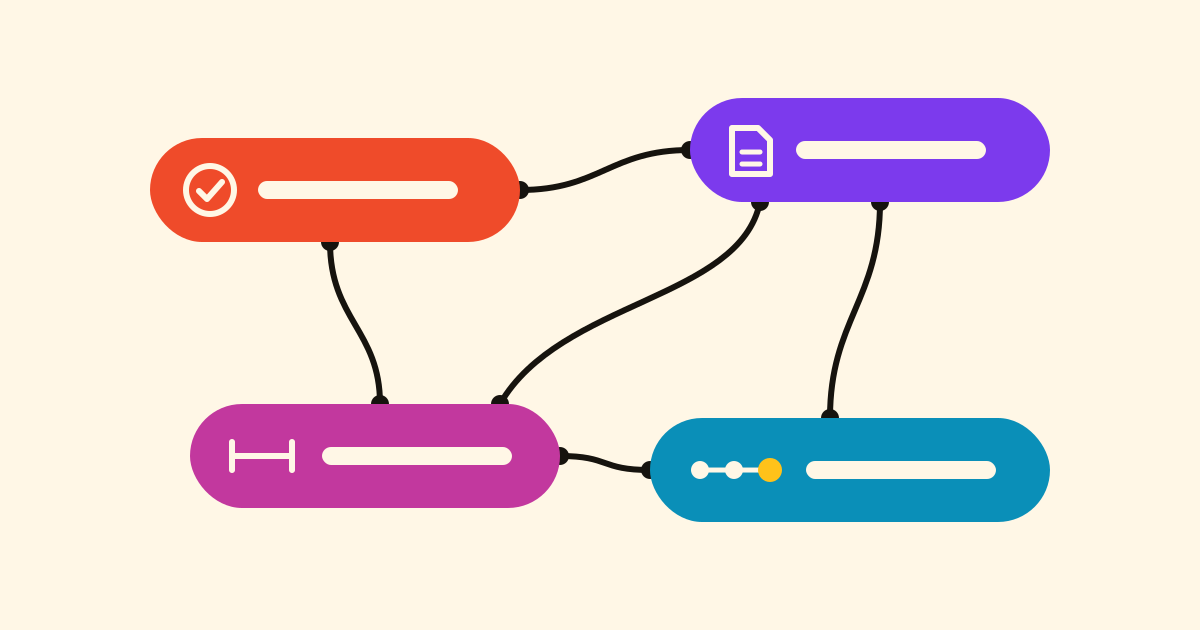
Link tasks, notes, projects and steps across Cronum Work
Drag a note onto a task, or a task onto a step, and they're linked: the task shows the note one tap away. Turn on Complete together, and ticking off one ticks off the other.
-
 Guide
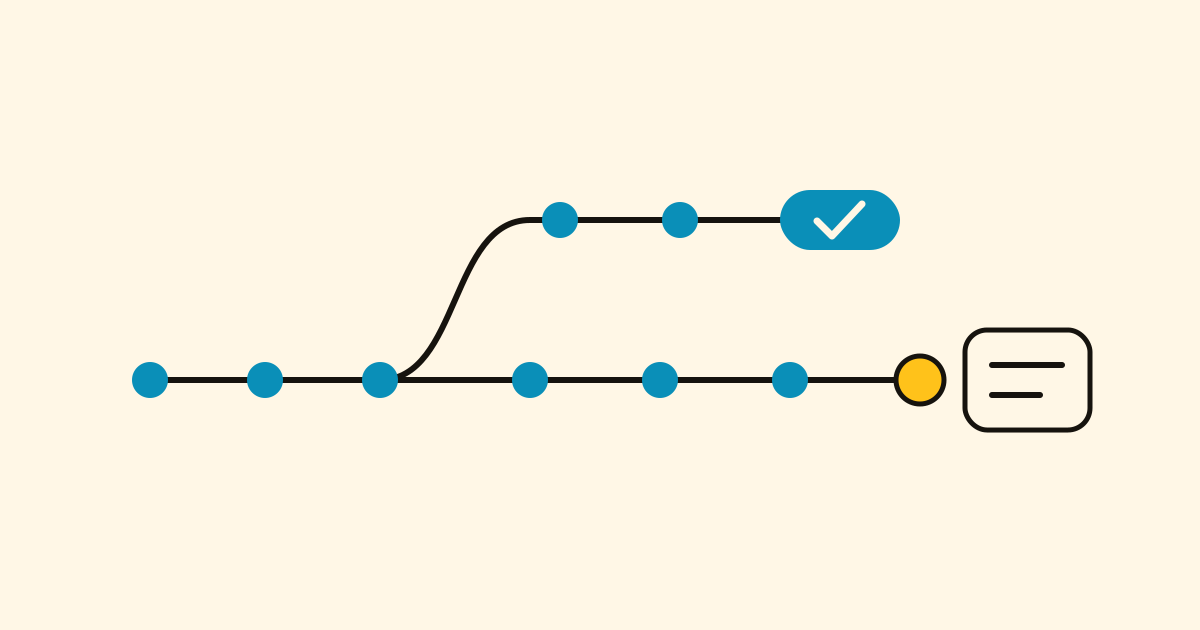
How to pick up any project where you left off, with Next and your AI
Next keeps a log of every project, what got done and the next step, so you, or any AI agent, carry on from that line instead of explaining everything again in a new chat.
-
 Guide
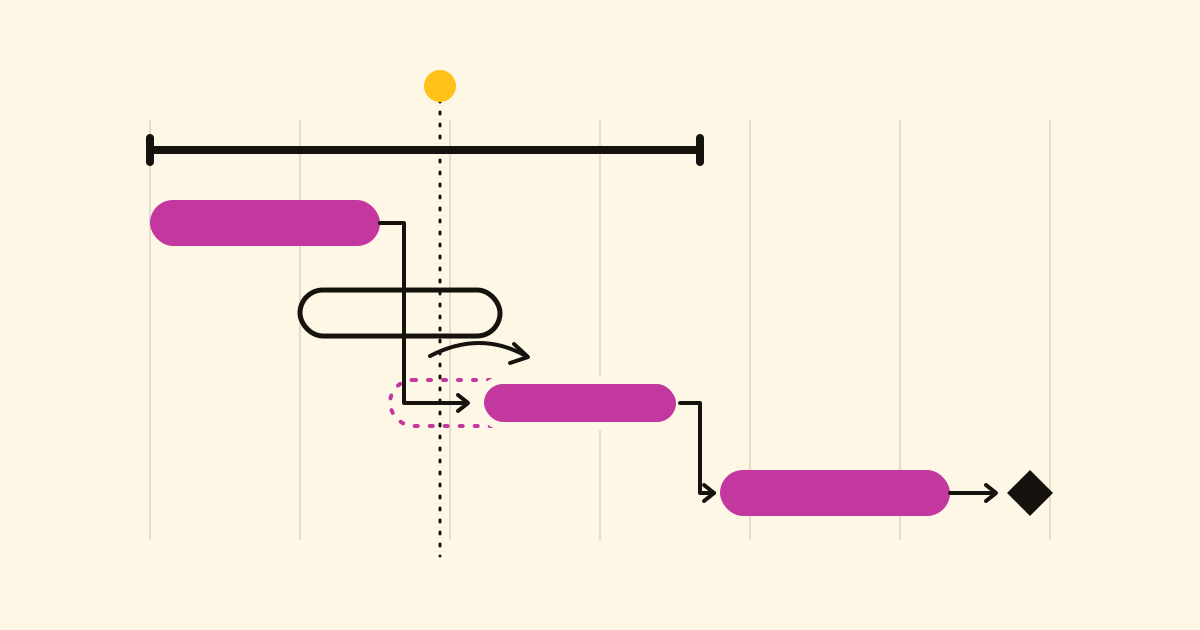
How to plan a project with dependencies, and what to do when a date slips
A list doesn't know that tiling waits for plumbing. In Projects you link tasks, see the critical path, and when a date slips you see what would move before anything does.
-
 Guide
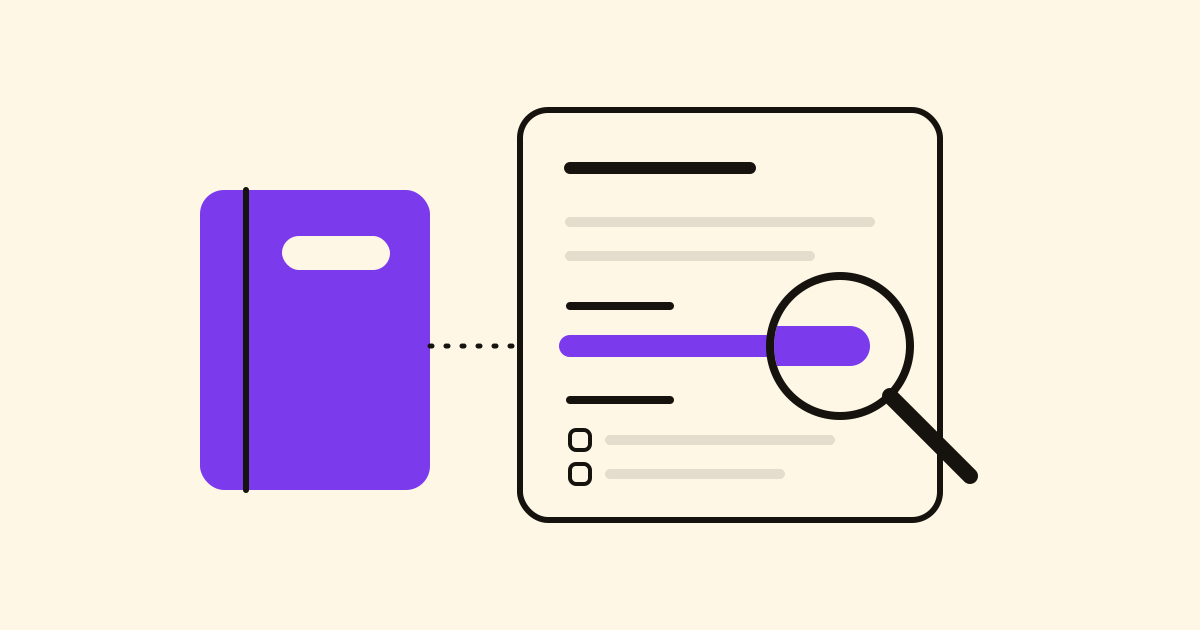
How to keep meeting notes you can still find a month later
Keep meeting minutes in Notes with every decision under the same heading, find it with search, and ask your AI assistant "what did we decide?" to get the answer and the note it comes from.
-
 Guide
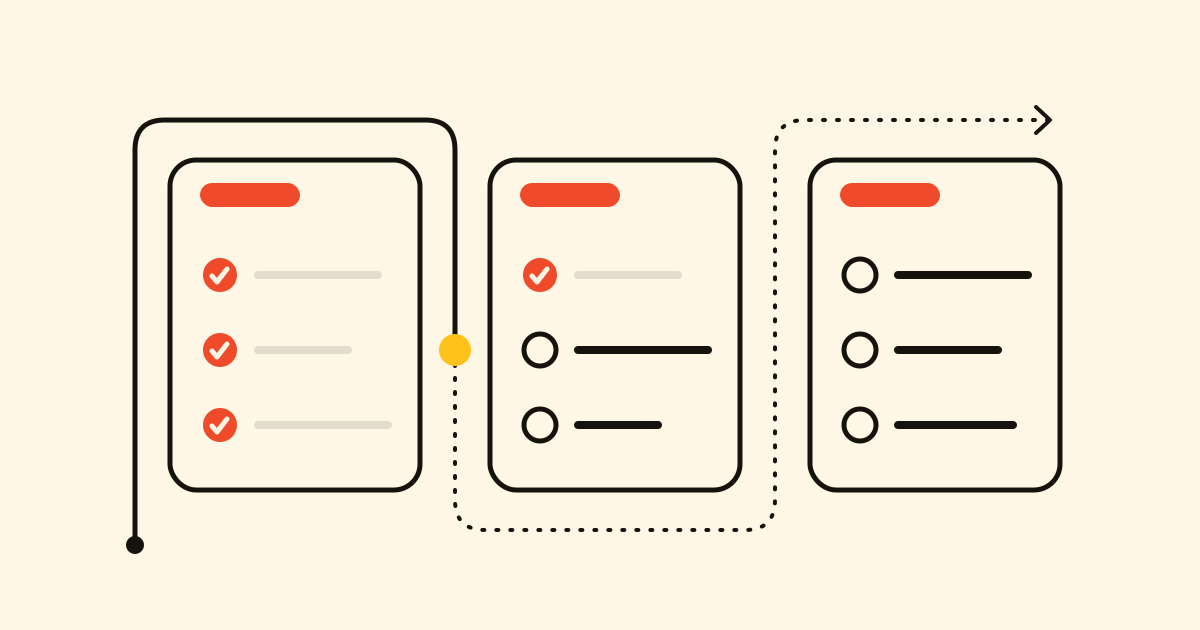
A shopping list app sorted by aisle, that learns what you buy
Tasks files each item under its aisle, in the order you walk the shop, suggests what you usually buy and reads "200 g ham" as you type. How to set it up and share it with the household.
Nothing here yet: the first posts are on their way.