NewsCronum Work
Link tasks, notes, projects and steps across Cronum Work
Drag a note onto a task, or a task onto a step, and they're linked: the task shows the note one tap away. Turn on Complete together, and ticking off one ticks off the other.
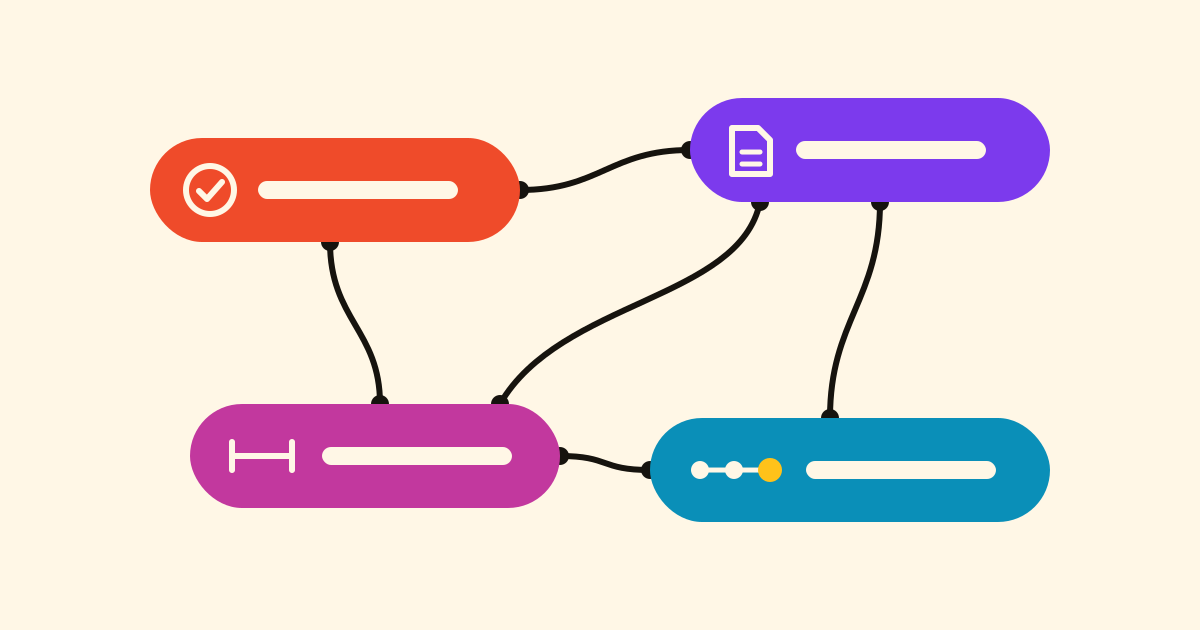
The task says Order the worktop, the supplier's quote is in a note, the plan is in a project. In Cronum Work you link them once, and the task shows the quote one tap away.
Two ways to link
- Drag one onto the other. With Tasks and Notes side by side, carry the note over the task: it says Link with “Order the worktop” (or Already linked) before you let go, and offers Undo after.
- Drop it on a window's header. Carry the task to the Notes header: Create in Notes, linked to “Order the worktop” makes a note with the task's title, already linked. A note dropped on the Tasks header becomes a task.
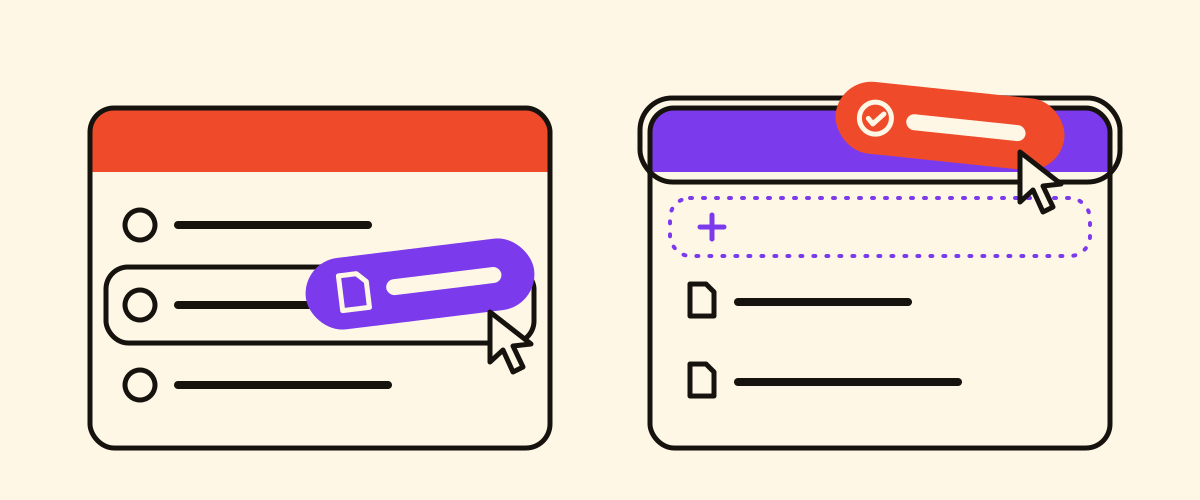
Both work with tasks, notes, Next steps and Projects phases, in any direction. On a phone, use + Link at the end of the Linked row: Add to Tasks… (or another module) makes something new, already linked; Link existing… finds an item by part of its title.
Chips
The Linked row has one chip per link, in its module's colour. A tap opens it beside, in its own window. It also says done, or no longer in Notes if the note was deleted.
Complete together
With Complete together on, completing one completes the other. It's on when you create with + Link, off when you link two existing things; change it from the chip's menu.
- Buy tiles and grout, a task in Projects, goes on your shopping list in Tasks with Add to Tasks…, due on its end date. Tick it off in the shop, and the project task is done.
- Tick off a task linked to a step in Next: the step's card says Tasks has it done. and offers to log it, so picking up the project starts from the truth.
A link opens no doors
A colleague who can't open the note's notebook sees the chip as Linked item with no access: no title, no content. Share the notebook, and it opens for them.
Your AI links too
With an AI assistant connected, ask:
Add "Buy tiles and grout" to the shopping list, and tick off the project task when I tick it off there.
It also follows links: ask what's linked to a task, and it reads the note before answering, as with meeting notes your AI can find.