Guide Next
How to pick up any project where you left off, with Next and your AI
Next keeps a log of every project, what got done and the next step, so you, or any AI agent, carry on from that line instead of explaining everything again in a new chat.
A new chat with your AI knows nothing of yesterday's, and every Monday starts with "where was I?". Next keeps a log of each project, what got done and the next step, so whoever comes back starts from that line.
Log a step
A step is what you did ("Menu page live") and what comes next, starting with a verb ("Send Marta the homepage").
- By hand: choose Log progress. The pending step is already filled in as done: accept it and write what's next. Type a new project name and it's created.
- More to say? The next step has a short title (what the card on the board shows), a one-sentence summary and the detail: the commands, files and decisions needed to carry on without the old conversation.
Let your AI keep the log
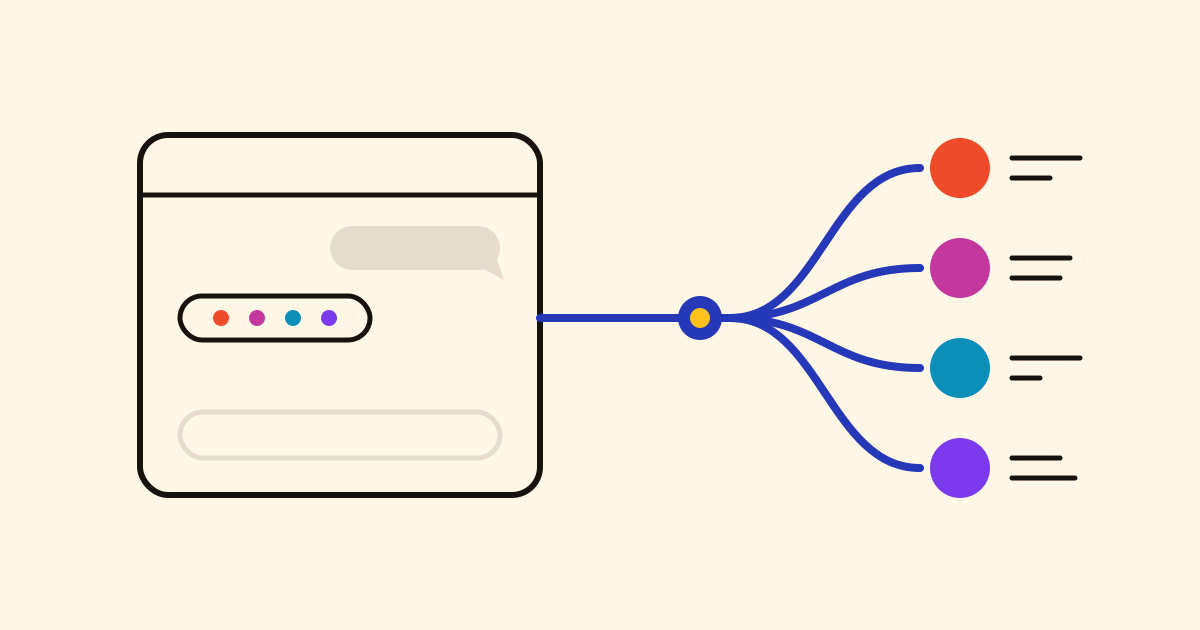
Connect your assistant and give it once the standing instruction in Settings › Your AI: read the project's log when you start, log every milestone without asking, and tell me in two lines what was closed and what's next.
Where was I with the bakery website?
"The menu page went live yesterday. Next step: send Marta the homepage for her OK." That comes from the log, not the assistant's memory.
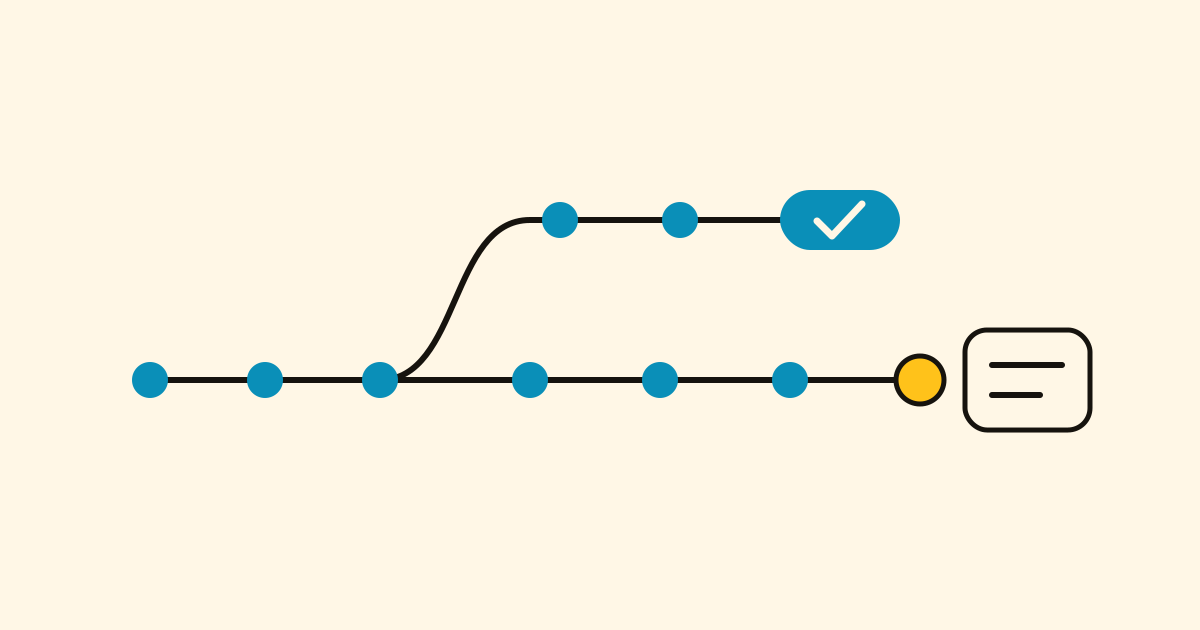
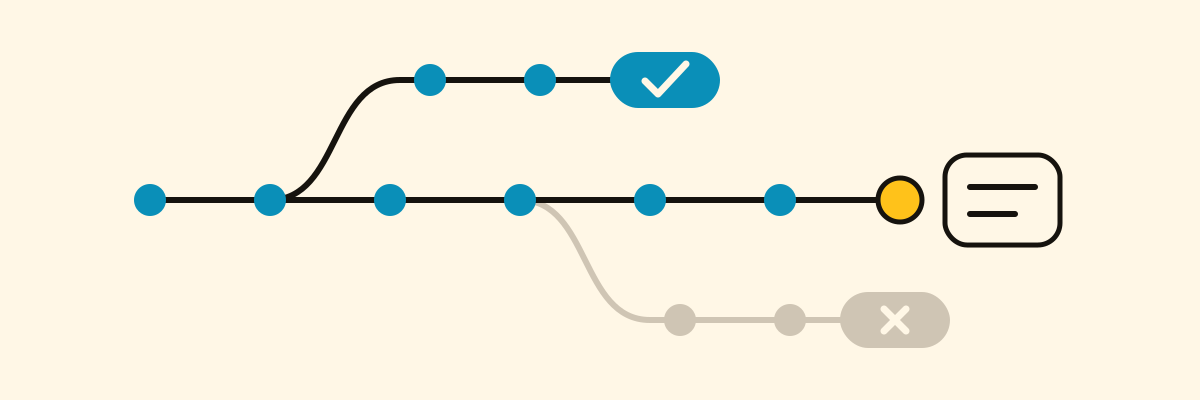
Blocked? Open a branch
The tiler can't come until the 20th. Open a branch for the worktop.
The main line keeps "Confirm the tiler's date"; the Worktop branch gets its own next step.
- Done: Step done › Close the branch, and say what it achieved. It stays on the line as a chip with a check.
- Dead end: Abandon it and say why. It stays in grey.
- A closed branch can be reopened, or you can start a new one from where it ended.
Hand over to another agent, or a person
Claude Code logs the menu page on Tuesday; on Wednesday Codex carries on from the next step.
- An agent that takes a step marks it as its own: the card says "Codex on it". Another agent arriving while it's active touches nothing and asks you.
- After eight hours of quiet, the next agent can take the step over, and tells you whose it was.
- Share a project by email and it shows up on that person's board, to follow or to log on.
See what's stuck
- On the board each project is a row: a dot per step taken and a card with what's next at the end of every open path.
- A path left waiting turns amber after a week and red after three. A project that hasn't moved in two weeks fades.
- Overview puts every open project on one timeline (two weeks, a month, a quarter or a year).
Before you archive a chat
Can I archive this chat?
The agent checks what's left to log or close, proposes what it missed, and changes nothing until you say yes.
With the rest of Cronum Work
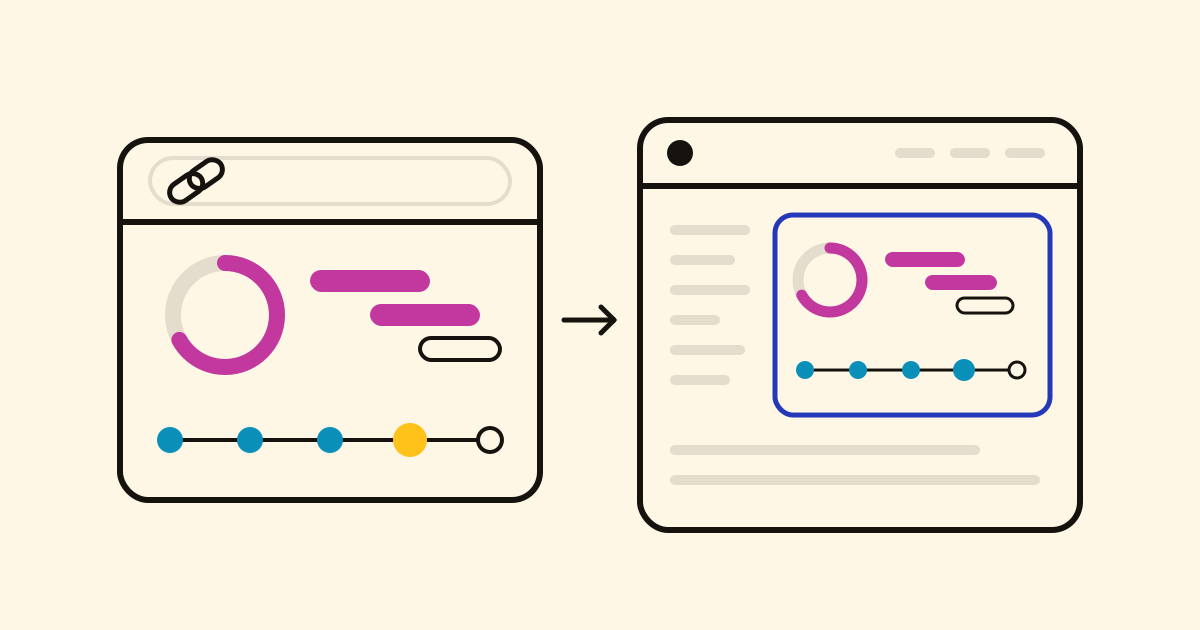
Link a step to a task in Tasks and they get done together, or to the brief in Notes; dates stay in Projects (how linking works). A client can follow along on a public page.
A renovation fits as well as code: choose Log progress and type the project's name. You can start on the Free plan.