Guide Projects
How to plan a project with dependencies, and what to do when a date slips
A list doesn't know that tiling waits for plumbing. In Projects you link tasks, see the critical path, and when a date slips you see what would move before anything does.
The plumber comes three days late, the tiling can't start, and the opening date stays where it was on paper. A to-do list doesn't know that one task waits for another. In Projects you link the tasks, and the plan shows what moves.
1. Phases first, then tasks
- Start with the big blocks (for a shop refit, Strip-out and services, Finishes, Opening), then put the tasks inside, down to three levels.
- A phase takes its dates and progress from its tasks: you never type them.
- Add a milestone for each date someone outside the team waits for: the opening, the client's sign-off.
2. Dates, or just a duration
Give a task exact dates, or only a duration ("3 days") when you don't know yet when it starts: its links will place it.
3. Link what waits for what
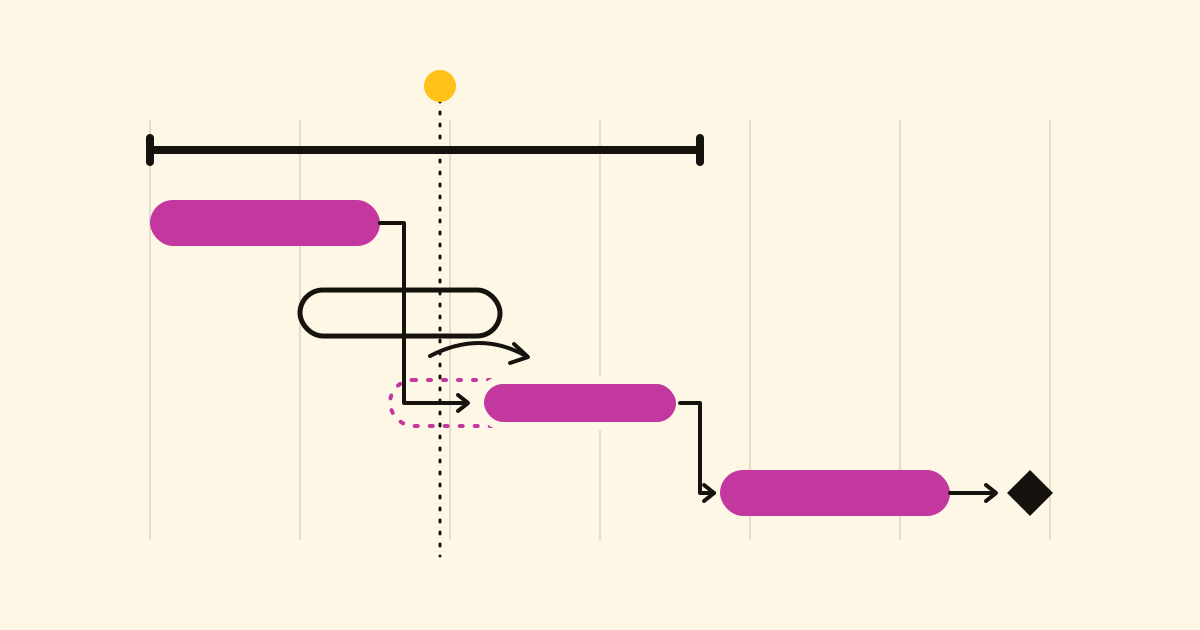
On the Gantt chart, drag the end of one task's bar onto another. There are four kinds:
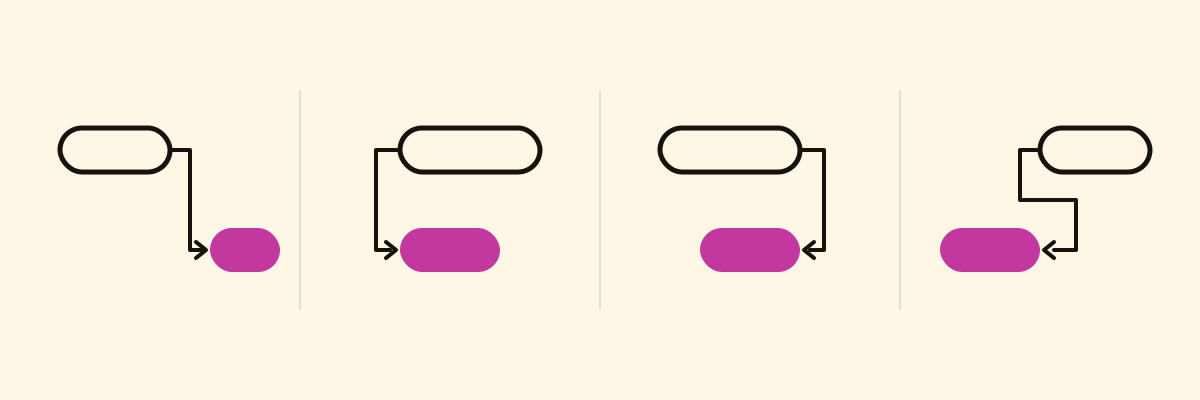
- Finish to start: tiling starts when plumbing ends. The usual one.
- Start to start: painting starts when plastering starts.
- Finish to finish: the deep clean can't end before the shop fitting ends.
- Start to finish: the old system can't stop until the new one starts.
A link can carry a lag in days, such as two for the plaster to dry. A link that would close a loop is refused, and Projects names the tasks that would go round in a circle.
4. Read the critical path
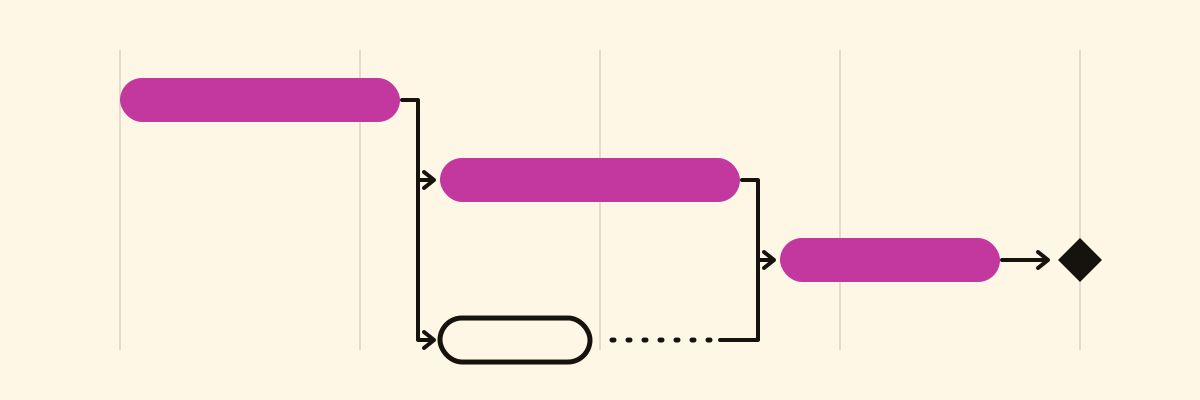
The critical path is the chain of tasks that sets your end date, outlined on the chart: any delay on it moves the end date. A task off it has slack, days it can slip without moving anything else. A yellow line marks today: a critical task that crosses it unfinished comes first.
5. When a date slips
The painter can't start until Monday, so painting ends three days later and overlaps the shop fitting. Projects flags the conflict and moves nothing: Adjust dates shows what would change ("3 tasks would be pushed later") before it does. Apply it, or first split a task, bring in a second painter, or accept that the opening moves.
Keep everyone in step
- Invite people by email to manage, take part or only view, and give each task one person.
- Whoever has a blocked task hears about it when what it waits for is done.
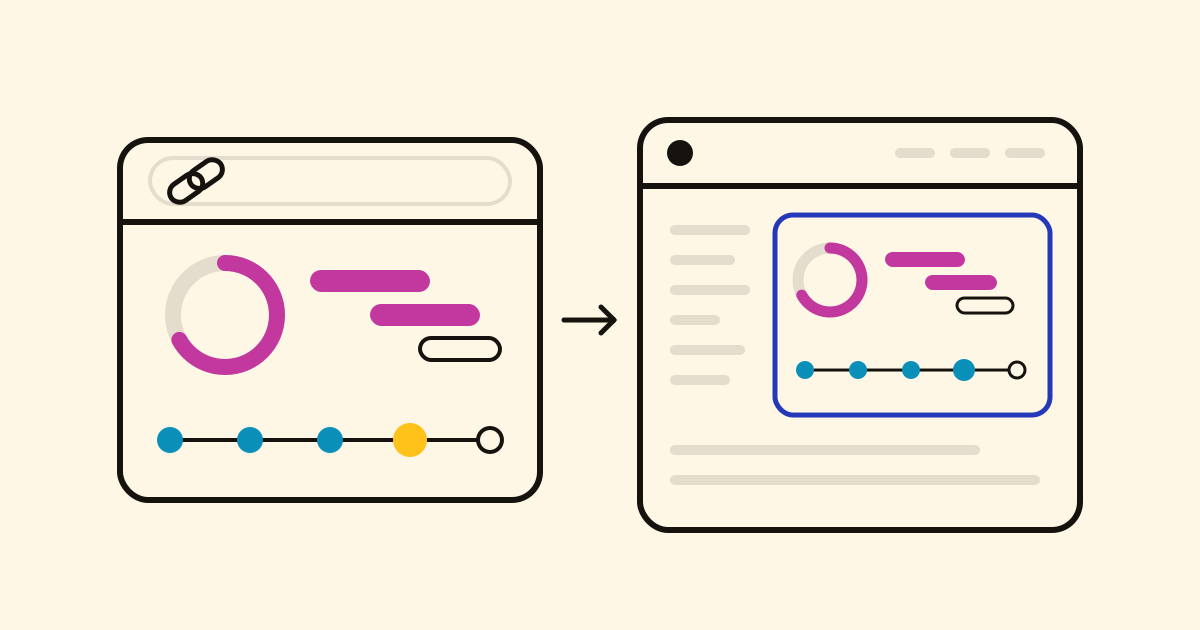
- Turn on the project's public page: clients see the progress and the target date.
With your AI assistant
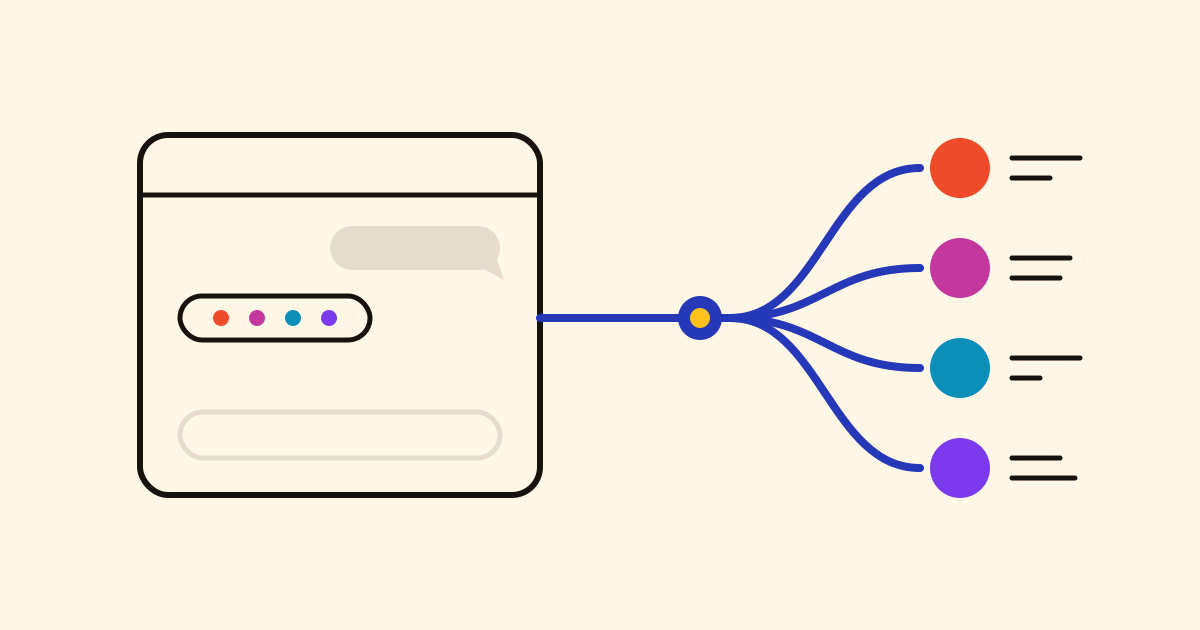
With an AI assistant connected, say it in your own words. It does the maths with Projects, and shows what would move before it applies anything:
Set up the website relaunch from these notes: we launch on 12 June, and build waits for the design sign-off.
Painting slips 3 days. What else moves? Don't change anything yet.
Why can't we start the payments integration?